
Best Legal AI Tools for Non-Profits in 2026
Quick answer: A non-profit signs grant agreements, service contracts, supplier terms, partnership agreements and data-sharing arrangements, which is roughly what a comparable business signs, usually without anyone whose job is to read them. The binding constraint is budget, so the tools that matter are the ones with a real free tier or a published low entry price. GenieAI has a permanent free plan and rates risk in plain language, which suits a team where the person reading the contract is a programme manager. Dropbox Sign at $15 a user and PandaDoc at $19 handle signature. Two things worth knowing: grant agreements are the highest-stakes documents here and the ones tools handle worst, and several vendors run non-profit discounts that are not advertised.
Comparison
| Tool | Score | Best for | Price | Key strength |
|---|---|---|---|---|
| GenieAI | 9.3 | a team with no legal training checking inbound agreements | Free plan, then $75/mo; Enterprise from $600/mo | Permanent free tier and plain-language risk |
| Dropbox Sign | 8.5 | signature at the lowest published cost | $15 to $25 per user/mo, published | Cheapest credible published price |
| PandaDoc | 7.9 | sending the same agreement repeatedly | $19 per user/mo | Templates plus signature in one place |
| Contractbook | 7.3 | a charity that keeps losing signed agreements | Reported ~$39 to $599/mo | Repository with renewal reminders |
| Termly | 6.5 | website policies and cookie compliance | $10 per site/mo, billed annually | Published price, from $10 per site a month |
| Josef | 5.9 | answering the same staff questions repeatedly | Reported ~$2,400 to $12,000/yr | Turns repeated guidance into self-service |
| Juro | 5.3 | a larger charity with a real legal function | Reported ~$15,000 to $130,000/yr | Template control with automatic escalation |
Fit by buyer
Scored 1 to 5 for each buyer, where 5 means the tool was built for them and 1 means it is the wrong tool. Scope is different: it is how much of the job the tool does, from a single step to a whole lifecycle, and a low score there means narrow rather than bad. These ratings are the same for a tool wherever it appears; the score shown beside each entry is for this guide specifically. A tool can lead one column and come last in another, and the right answer still changes with who is asking. How we score.
| Tool | Lawyer in Word | In-house legal | Commercial team | Enterprise | Scope | Price |
|---|---|---|---|---|---|---|
| GenieAI | 3 | 5 | 5 | 3 | 2 | Published |
| Dropbox Sign | 1 | 2 | 4 | 2 | 1 | Published |
| PandaDoc | 1 | 2 | 4 | 2 | 2 | Published |
| Contractbook | 1 | 3 | 4 | 2 | 3 | Reported |
| Termly | 1 | 2 | 3 | 2 | 1 | Published |
| Josef | 1 | 4 | 3 | 3 | 3 | Reported |
| Juro | 2 | 4 | 4 | 4 | 4 | Reported |
Which one, for your situation
| If this is your situation | Start with |
|---|---|
| Nobody legally trained needs to check inbound agreements | GenieAI |
| The need is signature at the lowest possible cost | Dropbox Sign |
| You send the same agreement repeatedly to partners | PandaDoc |
| Signed agreements keep getting lost and renewals slip | Contractbook |
| You need a website privacy policy and cookie notice | Termly |
| You answer the same policy questions from staff constantly | Josef |
| A larger charity with a real legal function | Juro |
The 7 best legal AI tools for non-profits
1. GenieAI: Best for a team with no legal training checking inbound agreements
9.3 out of 10 how this is calculated
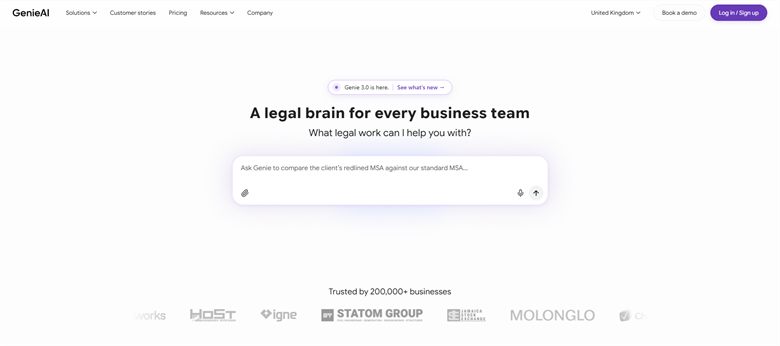
The verdict: Fits the actual situation in most non-profits, which is that a programme or operations manager reads the contract because there is nobody else. Red, amber and green per clause with an explanation is usable by that person, and the free tier means it can be tried without a budget conversation.
Pricing: Permanent free plan with no time limit. Pro $75 a month for one user, Business $320 a month for five, Enterprise from $600 a month with SSO, API access and an SLA.
Standout features:
- Rates each clause red, amber or green with a plain-language reason
- Works on documents you have been sent rather than only ones you write
- Drafts standard agreements from a plain-language brief
- Permanent free plan with no time limit
- Microsoft Word add-in for working in the document
Limitations: It has no repository and no electronic signature, so it does not solve where the signed version lives or how it gets signed. For a non-profit that already loses agreements, that gap needs filling separately and is easy to miss during evaluation.
2. Dropbox Sign: Best for signature at the lowest published cost
8.5 out of 10 how this is calculated
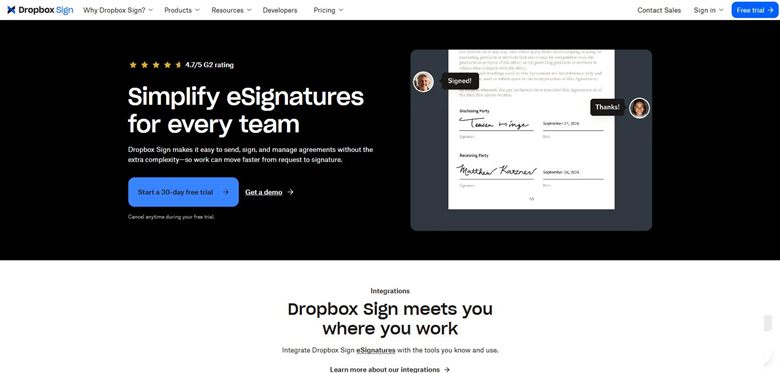
The verdict: If the requirement is getting documents signed and nothing more, this is the cheapest credible option with a published price. For a small charity signing a handful of agreements a month, it is difficult to justify spending more.
Pricing: Published. Essentials $15 per user a month with unlimited documents and five templates. Standard $25 per user a month with a two-user minimum, adding custom branding, advanced fields and integrations. Formerly HelloSign.
Standout features:
- Published pricing from $15 per user a month
- Legally valid electronic signature
- Templates for documents you send repeatedly
- No volume commitment
- Straightforward for recipients with no account
Limitations: It signs documents and does nothing else. No view on whether the terms are sensible, no repository beyond signed copies, and no renewal reminders. Buying it alone leaves the reading problem entirely unaddressed.
3. PandaDoc: Best for sending the same agreement repeatedly
7.9 out of 10 how this is calculated
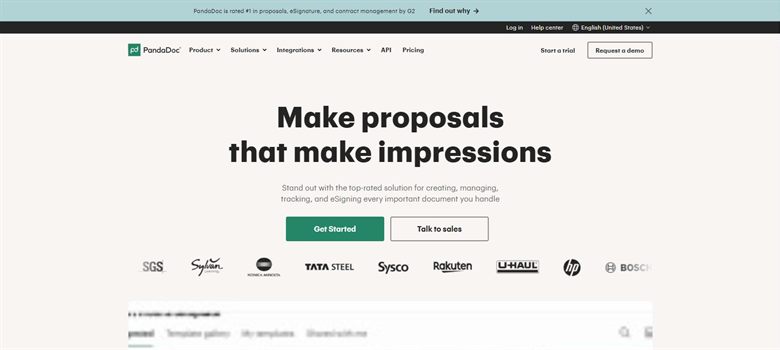
The verdict: Suits a non-profit sending a standard agreement to many partners, volunteers or suppliers: build it once, send it repeatedly, track who has signed. At a published $19 per user a month it is one of the few prices in this market you can check without a sales call.
Pricing: Published at $19 per user a month, one of the few vendors in this market to state a list price at all.
Standout features:
- Templates for repeated agreements
- Electronic signature included
- Tracks who has opened and signed
- Published at $19 per user a month
- Published list price, so no sales call is needed to budget
Limitations: It is built around documents you send, so it does little for inbound grant agreements and supplier terms, which for most non-profits is where the actual risk is. It also has no view on contract content at all.
4. Contractbook: Best for a charity that keeps losing signed agreements
7.3 out of 10 how this is calculated
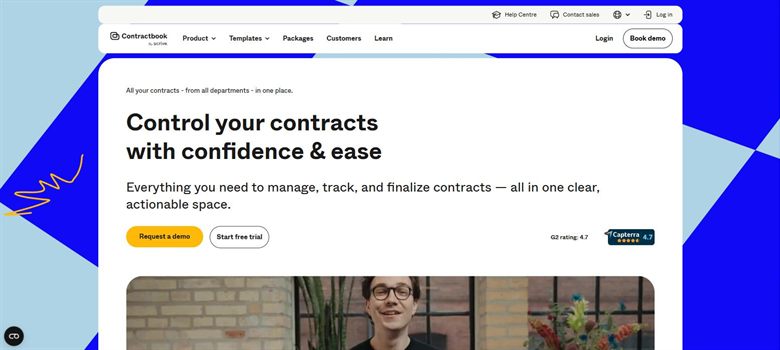
The verdict: Addresses the failure that costs non-profits most often, which is not a badly negotiated clause but an agreement nobody can find and a renewal nobody diarised. Repository, signature and reminders in one place at a reported entry price a small charity can meet.
Pricing: No published rate card. Reported between approximately $39 and $599 a month depending on tier, which is the only genuinely small-team price in this category.
Standout features:
- Searchable repository for executed agreements
- Reminders before a renewal or notice date passes
- Electronic signature included
- Reported entry price around $39 a month
- Straightforward for a small team to operate
Limitations: It has no clause-level assessment and will store a grant agreement with an onerous clawback exactly as readily as a good one. It also publishes no rate card, and the reported $39 to $599 spread is wide enough that growth means a conversation you cannot plan for.
5. Termly: Best for website policies and cookie compliance
6.5 out of 10 how this is calculated
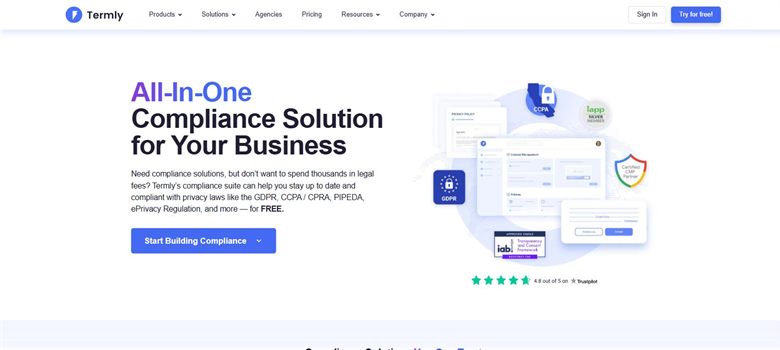
The verdict: A narrow tool that does one job non-profits routinely neglect. If you collect donor data or run a newsletter you need a privacy policy and a cookie notice, and this produces both for less than the cost of asking anyone.
Pricing: Published. Starter $10 per website a month billed annually or $14 monthly, covering two policies and 50,000 banner views. Pro+ is $15 billed annually or $20 monthly for unlimited policies and unlimited banner views. A free tier covers one basic policy and 10,000 banner views.
Standout features:
- Generates privacy policy, cookie policy and terms
- Cookie consent banner included
- Updates policies as regulation changes
- Starter covers two policies and 50,000 banner views
- Published at $10 per site a month billed annually
Limitations: It generates policies from a questionnaire and does not check whether what you actually do matches what the policy says. A non-profit doing something unusual with donor data will get a policy that describes a business it is not, which is worse than useful.
6. Josef: Best for answering the same staff questions repeatedly
5.9 out of 10 how this is calculated
The verdict: Relevant to a larger charity where one person fields the same questions constantly: can we accept this donation, do we need a DBS check here, what do we do with this data request. Turning those into a guided flow returns real time.
Pricing: No published price. Reported platform costs of roughly $2,400 to $12,000 a year, with first-year totals including implementation put at $5,400 to $18,000. Sold on seats and usage and quoted by sales. A trial is offered.
Standout features:
- Builds guided flows for repeated internal questions
- Staff self-serve rather than queuing for one person
- No coding required to build a flow
- Reported platform cost from roughly $2,400 a year
Limitations: It requires somebody to build and maintain the flows, which is real work and needs an owner. Below a certain size the questions are not frequent enough to justify that effort, and answering them directly stays cheaper. No price is published, and first-year totals including implementation are reported well above the platform cost alone.
7. Juro: Best for a larger charity with a real legal function
5.3 out of 10 how this is calculated
The verdict: Only relevant to the larger end: a charity with a legal or governance function and several people issuing agreements. Legal sets the template, teams work inside it, and departures escalate automatically. Below that scale it is far more than the problem requires.
Pricing: Sales-led with no public list price. Reported annual contracts run approximately $15,000 to $130,000, with marketplace medians around $31,000 to $34,500, priced on contract volume rather than per seat.
Standout features:
- Template control with automatic escalation on departures
- Repository with reporting across agreements
- Browser-native negotiation with an audit trail
- Designed for non-legal staff to use directly
Limitations: The reported entry point of around $15,000 a year rules it out for most non-profits, and it publishes no rate card. It also solves a coordination problem that only exists once several people issue agreements, which is not the situation in a small charity.
How we chose
- Is there a genuine free tier or a published low entry price, since budget is the binding constraint rather than a preference?
- Can somebody without legal training use it, because in most non-profits nobody has that training?
- Does it handle inbound documents, since a non-profit receives far more paper than it issues?
- Does it cope with grant agreements and their reporting, clawback and restricted-use conditions?
- Is a non-profit discount available, whether or not the vendor advertises one?
- We did not score on procurement or spend features. Almost no non-profit at this scale has a procurement function for them to serve.
Frequently asked questions
What is the best legal AI tool for a non-profit in 2026?
GenieAI for checking inbound agreements when nobody on the team is legally trained, on a permanent free plan. Dropbox Sign at a published $15 a user if the need is signature. Contractbook at a reported $39 a month if the real problem is that signed agreements go missing and renewals slip past.
Are there non-profit discounts?
Often, and frequently unadvertised. Several vendors on this page operate charity rates that do not appear on the website. Ask directly and be specific about your registered status, because the discount is usually granted on request rather than published.
What about grant agreements?
They are the highest-stakes documents most non-profits sign and the ones these tools handle least well. Reporting obligations, restricted-use conditions and clawback triggers carry consequences no general contract tool is calibrated for. Use a tool to understand the mechanics, then have somebody who knows the funder read the conditions.
Can we manage with free tiers alone?
Only for the reading half. GenieAI's free plan covers reading and drafting with no time limit, which is the most expensive gap to fill. Signature and website policies both need a paid plan, but at a published $15 per user for Dropbox Sign and $10 per site for Termly, the whole stack stays inside a small charity's budget.
Do we need contract management software?
Only if agreements are being lost or renewals missed. That is a storage and reminder problem solved at around $39 a month by Contractbook. Platform-tier tools solve a coordination problem between several people issuing contracts, which most non-profits do not have.
Who should use these tools day to day?
Whoever already reads the contracts, which is usually an operations or programme manager rather than anyone legally trained. That is why plain-language output matters more than capability here: a tool that produces lawyer-facing analysis will not get used by the person who has the document.
What is the single biggest risk we are carrying?
Almost always a signed agreement nobody has read in full, usually a funder's or a supplier's template accepted under time pressure. Reading the ones already signed is more valuable than any tool purchase, and the free tiers here make that cost nothing but attention.