
8 Best Legal AI Tools for Small Business in 2026
Quick answer: Most of this category is priced for businesses with a legal function, so the useful shortlist at this size is short. GenieAI has a permanent free plan with no time limit, which makes it the cheapest way to find out whether any of this helps. Termly covers website policies at $10 per site a month. Rocket Lawyer bundles documents with review from $149 a year. Everything else here starts around $19 per user. A general model such as Mistral costs pennies per document and is what most small businesses reach for first, which is worth saying plainly on a page like this. The honest position is that a business signing a handful of agreements a year may not need software at all, and the trigger is not size but repetition.
Comparison
| Tool | Score | Best for | Price | Key strength |
|---|---|---|---|---|
| GenieAI | 9.3 | finding out at no cost | Free plan, then $75/mo; Enterprise from $600/mo | Free tier with no time limit |
| Termly | 8.6 | website policies and consent | $10 per site/mo, billed annually | Cheapest published price here |
| Rocket Lawyer | 8.0 | documents with review included | $149 to $349/yr, published | Membership rather than per document |
| LegalZoom | 7.5 | incorporation and filings | Legal plan $34.99/mo, published | The filing is done for you |
| PandaDoc | 7.0 | sending the same documents repeatedly | $19 per user/mo | Generation and signing together |
| Dropbox Sign | 6.3 | signing, without a cap | $15 to $25 per user/mo, published | Unlimited documents at entry |
| Contractbook | 5.8 | agreements that keep getting lost | Reported ~$39 to $599/mo | Storage with dates attached |
| Mistral AI | 5.2 | pasting a contract into a general model | Published, $0.02 to $6.00 per million tokens | What most small businesses already do |
Fit by buyer
Scored 1 to 5 for each buyer, where 5 means the tool was built for them and 1 means it is the wrong tool. Scope is different: it is how much of the job the tool does, from a single step to a whole lifecycle, and a low score there means narrow rather than bad. These ratings are the same for a tool wherever it appears; the score shown beside each entry is for this guide specifically. A tool can lead one column and come last in another, and the right answer still changes with who is asking. How we score.
| Tool | Lawyer in Word | In-house legal | Commercial team | Enterprise | Scope | Price |
|---|---|---|---|---|---|---|
| GenieAI | 3 | 5 | 5 | 3 | 2 | Published |
| Termly | 1 | 2 | 3 | 2 | 1 | Published |
| Rocket Lawyer | 2 | 1 | 3 | 1 | 1 | Published |
| LegalZoom | 1 | 1 | 3 | 1 | 1 | Published |
| PandaDoc | 1 | 2 | 4 | 2 | 2 | Published |
| Dropbox Sign | 1 | 2 | 4 | 2 | 1 | Published |
| Contractbook | 1 | 3 | 4 | 2 | 3 | Reported |
| Mistral AI | 1 | 2 | 1 | 2 | 2 | Published |
Which one, for your situation
| If this is your situation | Start with |
|---|---|
| You want to find out whether legal AI helps, at no cost | GenieAI |
| You need website terms, a privacy policy and a cookie banner | Termly |
| You want documents with some professional review attached | Rocket Lawyer |
| You are incorporating or making filings | LegalZoom |
| You send the same documents repeatedly and need signatures | PandaDoc |
| You need signing only, without a document cap | Dropbox Sign |
| Signed agreements keep getting lost | Contractbook |
| You want to understand one clause and own nothing | Mistral AI |
The 8 best legal AI tools for small business
1. GenieAI: Best for finding out at no cost
9.3 out of 10 how this is calculated
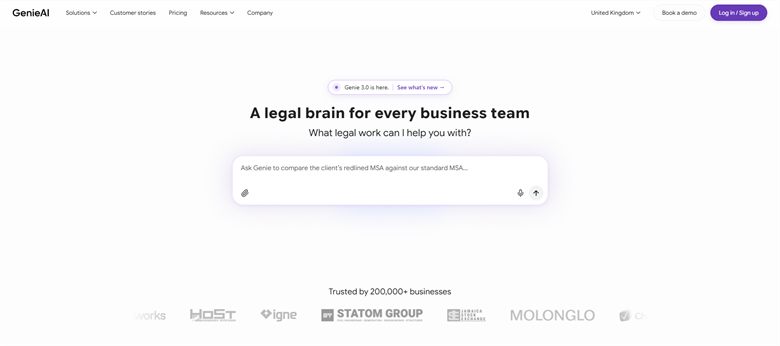
The verdict: The only tool here that lets a business establish whether contract AI is useful to it before spending anything. For an owner reading an agreement they do not fully understand, plain-language risk flags are the thing that helps.
Pricing: Permanent free plan with no time limit. Pro $75 a month for one user, Business $320 a month for five, Enterprise from $600 a month with SSO, API access and an SLA.
Standout features:
- Risk rated red, amber or green per clause with plain-language explanation
- Drafting from a plain-language brief
- Managed template and clause library
- Microsoft Word add-in that preserves native track changes
- Free tier with no time limit
Limitations: It is built for businesses with more contracting volume than most small businesses have, so much of the paid tier addresses problems you may not have. No repository, no renewal tracking and no signature, so it handles the document and nothing around it.
2. Termly: Best for website policies and consent
8.6 out of 10 how this is calculated
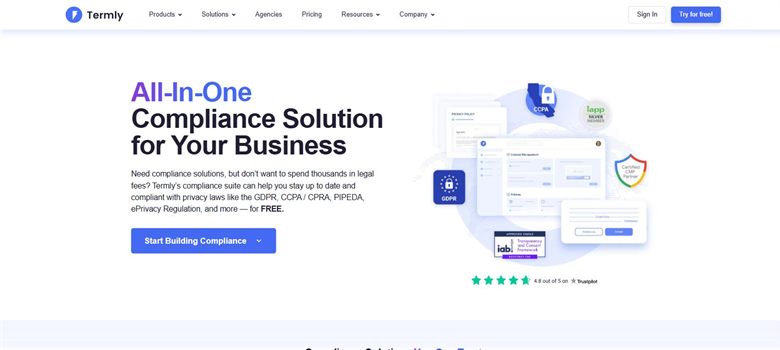
The verdict: The single most useful purchase on this page for most small businesses, because website policies are a real obligation, they go out of date, and nothing else here maintains them at $10 a month.
Pricing: Published. Starter $10 per website a month billed annually or $14 monthly, covering two policies and 50,000 banner views. Pro+ is $15 billed annually or $20 monthly for unlimited policies and unlimited banner views. A free tier covers one basic policy and 10,000 banner views.
Standout features:
- Privacy policy, cookie policy, terms and disclaimer generators
- Consent management banner with regional rules
- Policies updated as regulations change
- Free tier covering a single policy
Limitations: It only produces website-facing documents, so it does nothing for any contract you sign. Policies are generated from a questionnaire, so they describe what you said you do rather than what your systems actually do.
3. Rocket Lawyer: Best for documents with review included
8.0 out of 10 how this is calculated
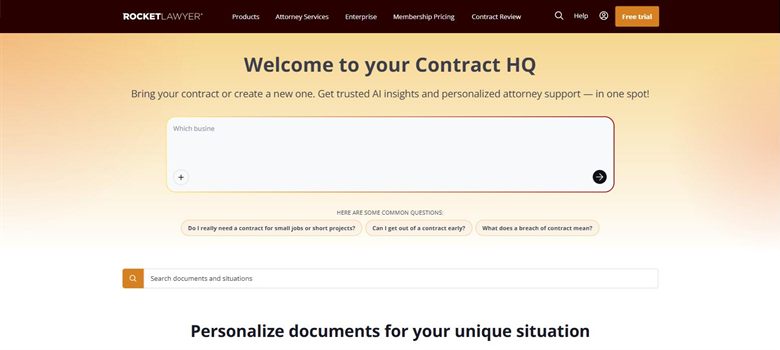
The verdict: Sensible for a business producing a handful of documents a year where a subscription costs less than one hour of outside advice. The review at higher tiers is what separates it from a pure template library.
Pricing: Published. Standard $149 a year, Plus $249 a year and Pro $349 a year, working out at $12.41, $20.75 and $29.08 a month respectively. A seven-day free trial is offered on all three.
Standout features:
- Library covering business, property and personal documents
- Document review included at higher tiers
- Electronic signature
- Registered agent and formation services
Limitations: Documents are filled from a questionnaire and are not automated, so there is nothing to reuse and every document starts over. The annual headline rate depends on paying twelve months upfront, and auto-renewal has generated complaints.
4. LegalZoom: Best for incorporation and filings
7.5 out of 10 how this is calculated
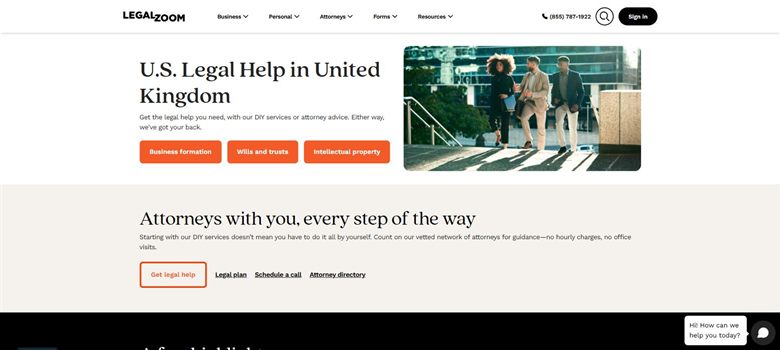
The verdict: Strongest where the output is a filing rather than a document: incorporation, registered agent, annual reports, trademarks. As a contract tool it is the weakest here.
Pricing: Published, though split across several plans. The Business Advantage legal plan is $34.99 a month, or about $179 a year. A separate attorney consultation plan is listed from $39.09 a month billed annually. Formation and filing services are charged per filing on top of any subscription.
Standout features:
- Company formation and registered agent services
- Trademark and IP filing
- Business and personal document library
- Consultations bundled into higher plans
Limitations: Auto-renewal has generated repeated complaints, including trial plans rolling into $49 a month, so diarise the cancellation date. Per-filing charges sit on top of the subscription rather than inside it.
5. PandaDoc: Best for sending the same documents repeatedly
7.0 out of 10 how this is calculated
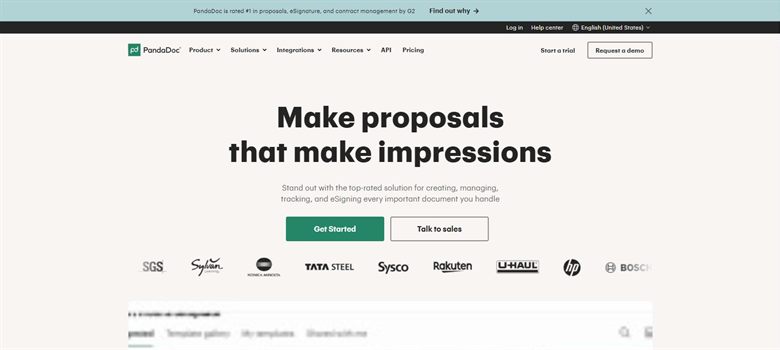
The verdict: The right purchase once you are sending the same proposal or agreement often enough that rebuilding it each time is real work. At $19 per user it needs very little volume to justify.
Pricing: Published at $19 per user a month, one of the few vendors in this market to state a list price at all.
Standout features:
- Template-driven document and contract generation
- Native electronic signature
- CRM integration with Salesforce and HubSpot
- Analytics on what recipients opened
Limitations: No view on whether the terms in your template are sensible, so it sends whatever you put in it. It stores documents rather than reporting on them, so it will not tell you what you have agreed across a year.
6. Dropbox Sign: Best for signing, without a cap
6.3 out of 10 how this is calculated
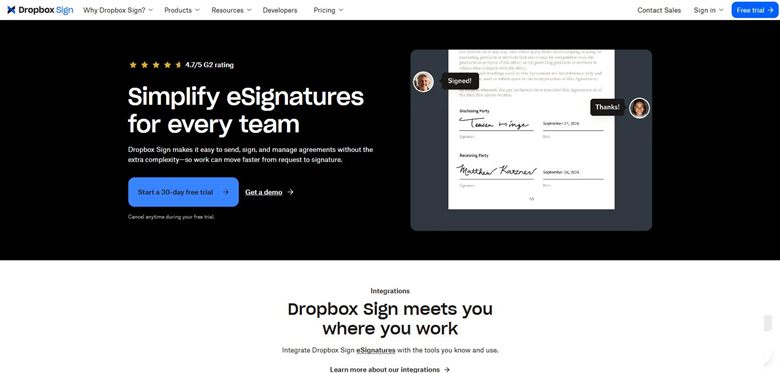
The verdict: If all you need is a legally sound signature, this is cheaper than DocuSign and has no envelope cap, which is the term small businesses most often discover late.
Pricing: Published. Essentials $15 per user a month with unlimited documents and five templates. Standard $25 per user a month with a two-user minimum, adding custom branding and integrations. Formerly HelloSign.
Standout features:
- Unlimited signature requests on paid tiers
- Templates and reusable forms
- Audit trail on every document
- Clean API if you want signing inside your own product
Limitations: It signs and does nothing else: no drafting, no review, no view on the terms. Counterparty recognition is below DocuSign, which occasionally matters with larger or more conservative counterparties.
7. Contractbook: Best for agreements that keep getting lost
5.8 out of 10 how this is calculated
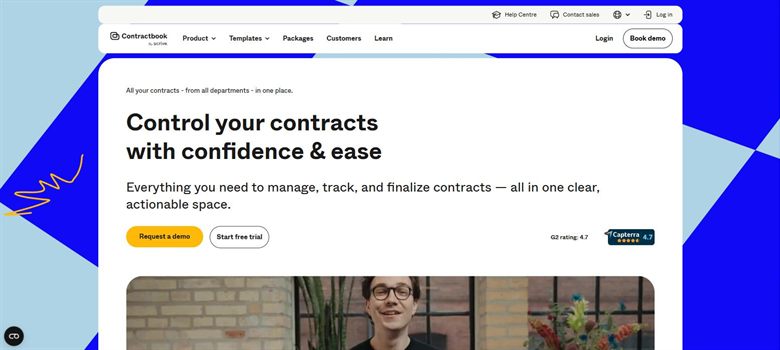
The verdict: Addresses the most common small-business contract failure, which is not a bad clause but a signed agreement nobody can find and a date nobody diarised.
Pricing: No published rate card. Reported between approximately $39 and $599 a month depending on tier, which is the only genuinely small-team price in this category.
Standout features:
- Searchable repository of executed agreements
- Renewal and date reminders
- Template-driven creation with signing
- Monthly pricing rather than annual contracts
Limitations: No published rate card, which is out of step with the rest of this page and awkward for a business that wants to know the cost before signing up. It stores and reminds rather than assessing anything.
8. Mistral AI: Best for pasting a contract into a general model
5.2 out of 10 how this is calculated
The verdict: Not a contract tool, and included because it is the honest alternative on this page. A small business considering any of the software here is usually also considering pasting the document into a general assistant, and for understanding what a clause means that works better than the price suggests.
Pricing: Published usage pricing of $0.02 to $6.00 per million tokens depending on model. Effectively pennies per contract, and cheaper than every other option here, because you are buying a model rather than a product.
Standout features:
- Published usage pricing, cheaper per document than anything else here
- Explains what a clause means in plain language
- No subscription and no per-seat cost
- European hosting options
Limitations: It has no memory of your positions, so it cannot tell you that this indemnity is worse than the one you accepted last time, and it will not flag what is missing from a contract because it has no view of what should be there. It is also confident when wrong, and there is no audit trail of what it told you.
How we chose
- Published price, because a small business will not enter a sales process to learn what something costs.
- Whether it works without anyone in the business having legal training.
- Whether there is a free tier or trial that is genuinely usable rather than a demo.
- Whether it covers the documents a small business actually needs rather than enterprise contracting.
- Whether the signed version ends up somewhere findable, since that is the most common small-business failure.
- We did not score on enterprise features: approval routing, obligation tracking, SSO. A business at this size does not need them and pricing that includes them is money spent on somebody else's problem.
Frequently asked questions
What is the best legal AI tool for a small business in 2026?
GenieAI to establish whether contract AI helps at all, because the free plan has no time limit. Termly at $10 per site a month for website policies, which is a real obligation most small businesses have. Rocket Lawyer from $149 a year if you want documents with some review attached.
Does a small business need any of this?
Often not yet, and the trigger is repetition rather than size. If you sign a handful of agreements a year and they are all different, a template and a folder is adequate. Software earns its price when the same document goes out repeatedly, or when signed agreements start going missing.
How much should a small business spend?
Very little. Termly is $10 per site a month, Dropbox Sign $15 per user, PandaDoc $19, Rocket Lawyer $149 a year and GenieAI has a free tier. A small business spending four figures a year on contract software has almost certainly bought something built for a much larger one.
Why not just paste the contract into ChatGPT?
For understanding what a clause means, that works, and it costs pennies. What a general model cannot do is remember the positions you accepted last time, tell you what is missing rather than what is present, or leave a record of what it advised. If you are reading one contract, use the model. If you are signing the same kind of agreement repeatedly and want consistency, that is what the tools here add.
Which of these are genuinely free to try?
GenieAI's free plan has no time limit and Termly has a free tier covering one policy. Rocket Lawyer and Dropbox Sign offer trials rather than free tiers. Anything requiring a sales call to see a price is not built for a business this size, whatever the salesperson says.
Can these replace a solicitor or attorney?
For standard documents against a well-drafted template, they do the job most small businesses were doing with a downloaded template anyway, and do it better. For anything with real money at stake, an unusual arrangement or a dispute, the judgement being bought is not something software supplies.
What is the most common mistake at this size?
Buying a platform built for a business with a legal function. The second is signing agreements and having no record of where they went, which is a filing problem solved by Contractbook for a few tens of pounds a month rather than by anything expensive.
Do we need website terms and a privacy policy?
If you have a website that collects any personal data, including through analytics or a contact form, yes, and a consent banner too in most jurisdictions with consent rules. It is the most commonly missed obligation on this list and also the cheapest to fix.