
7 Best AI Contract Drafting Tools in 2026
Quick answer: Drafting and review are different problems and the tools split along that line. Spellbook drafts inside Microsoft Word and suits lawyers at firms of any size, at a reported $99 to $199 per user a month. GenieAI drafts from a plain-language brief and is aimed at commercial teams at mid-size companies who need a first draft without waiting for legal, published from free to $75 a month. PandaDoc at $19 per user a month is the cheapest way to assemble standard documents from templates, though it does little clause-level work. If you need the finished document negotiated as well as written, check the review guide instead.
Comparison
| Tool | Score | Best for | Price | Key strength |
|---|---|---|---|---|
| Spellbook | 9.2 | lawyers drafting inside Microsoft Word | Reported ~$99 to $199 per user/mo | Clause generation in Word |
| GenieAI | 8.6 | commercial teams drafting without waiting for legal | Free plan, then $75/mo; Enterprise from $600/mo | Drafting from a plain-language brief |
| Juro | 8.0 | teams wanting drafting and signature in one flow | Reported ~$15,000 to $130,000/yr | Draft, approve and sign in one place |
| PandaDoc | 7.3 | assembling standard documents at low cost | $19 per user/mo | Cheapest published per-seat price |
| LegalFly | 6.5 | multilingual drafting across jurisdictions | Reported ~$75 per user/mo plus platform fee | Non-English drafting |
| Wordsmith | 5.8 | in-house teams wanting a drafting assistant per lawyer | Reported ~$450 per user/mo | Assistant model for in-house |
| Mistral AI | 5.2 | teams building their own drafting workflow | $0.02 to $6.00 per 1M tokens | Cheapest raw capability |
Fit by buyer
Scored 1 to 5 for each buyer, where 5 means the tool was built for them and 1 means it is the wrong tool. Scope is different: it is how much of the job the tool does, from a single step to a whole lifecycle, and a low score there means narrow rather than bad. These ratings are the same for a tool wherever it appears; the score shown beside each entry is for this guide specifically. A tool can lead one column and come last in another, and the right answer still changes with who is asking. How we score.
| Tool | Lawyer in Word | In-house legal | Commercial team | Enterprise | Scope | Price |
|---|---|---|---|---|---|---|
| Spellbook | 5 | 4 | 2 | 2 | 2 | Reported |
| GenieAI | 3 | 5 | 5 | 3 | 2 | Published |
| Juro | 2 | 4 | 4 | 4 | 4 | Reported |
| PandaDoc | 1 | 2 | 4 | 2 | 2 | Published |
| LegalFly | 3 | 4 | 3 | 3 | 2 | Reported |
| Wordsmith | 4 | 4 | 2 | 2 | 2 | Reported |
| Mistral AI | 1 | 2 | 1 | 2 | 2 | Published |
Which one, for your situation
| If this is your situation | Start with |
|---|---|
| You are a lawyer and drafting happens in Microsoft Word | Spellbook |
| A non-lawyer needs to produce a standard agreement without help | GenieAI |
| You mostly assemble documents from fixed templates and send for signature | PandaDoc |
| You want drafting and signature in one flow with approvals | Juro |
| You draft in a language other than English, at volume | LegalFly |
| You want a general model and will build the workflow yourself | Mistral AI |
The 7 best AI contract drafting tools
1. Spellbook: Best for lawyers drafting inside Microsoft Word
9.2 out of 10 how this is calculated
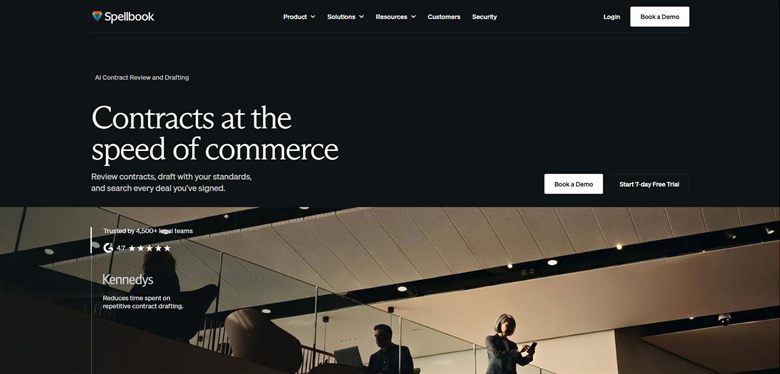
The verdict: Drafts where lawyers already work. The suggestions assume a reader who can judge them, which is the right assumption for its buyer and the wrong one for anybody else.
Pricing: No published list price. Reported at approximately $99 to $199 per user a month, rising to around $350 per user on enterprise plans with a ten-seat minimum. A seven-day trial is offered.
Standout features:
- Clause suggestion and generation inside Word
- Drafts from surrounding context rather than a fixed template
- Benchmarks proposed terms against comparable agreements
- Redlining on counterparty drafts
Limitations: It expects a qualified reader. Hand it to a salesperson drafting their first NDA and the output will look plausible without being checkable by them. Word-only also means no help for teams working in a browser.
2. GenieAI: Best for commercial teams drafting without waiting for legal
8.6 out of 10 how this is calculated
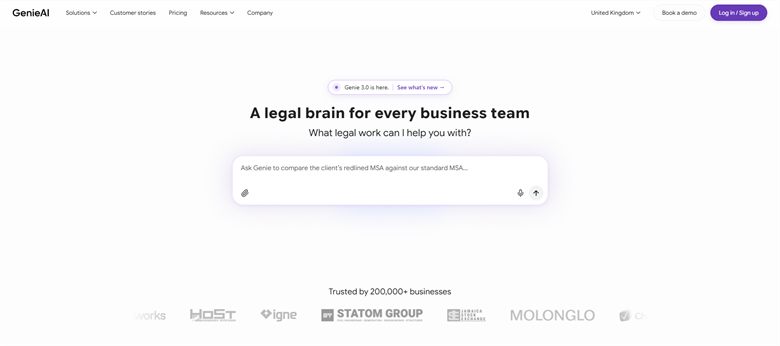
The verdict: Produces a first draft from a description of the deal rather than from a template you have to pick correctly. That matters when the person drafting does not know which template is right.
Pricing: Permanent free plan with no time limit. Pro $75 a month for one user, Business $320 a month for five, Enterprise from $600 a month with SSO, API access and an SLA.
Standout features:
- Drafts from a plain-language brief
- Managed template and clause library the business can be held to
- Microsoft Word add-in that preserves native track changes
- Red, amber and green risk rating on the resulting draft
- Free tier with no time limit
Limitations: The output still reflects the clause positions you have configured, so a team that has never written its standards down gets generic drafting. It is weaker than Spellbook for a lawyer who wants to stay in Word. It can research a question but is not built for it, so authority-led work belongs with a licensed research tool.
3. Juro: Best for teams wanting drafting and signature in one flow
8.0 out of 10 how this is calculated
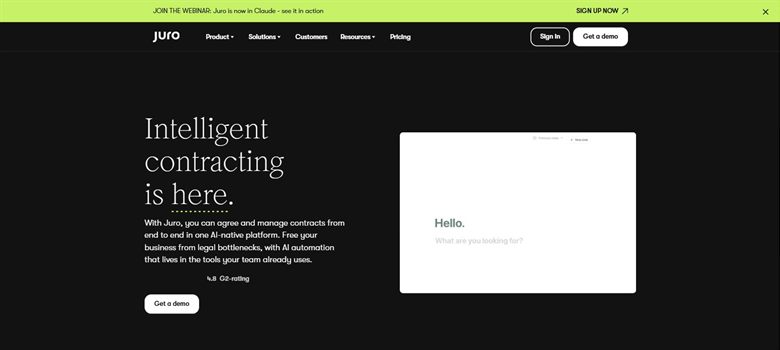
The verdict: Built around routine agreements moving quickly from creation to signature. Strong on the process, lighter on the words.
Pricing: Sales-led with no public list price. Reported annual contracts run approximately $15,000 to $130,000, with marketplace medians around $31,000 to $34,500, priced on contract volume rather than per seat.
Standout features:
- Template-driven creation in the browser
- Approval workflows before signature
- Native e-signature
- Searchable repository of what was signed
Limitations: The drafting itself is template assembly rather than generation, so bespoke or heavily negotiated agreements get less from it. Priced as a platform, which is a lot to buy if drafting is the only thing you need.
4. PandaDoc: Best for assembling standard documents at low cost
7.3 out of 10 how this is calculated
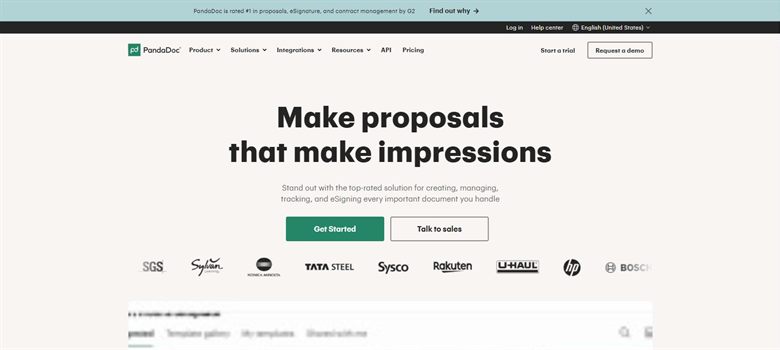
The verdict: A document assembly and signature tool that has added AI rather than an AI drafting tool. For fixed-format documents that never get negotiated, that is enough.
Pricing: Published at $19 per user a month, one of the few vendors in this market to state a list price at all.
Standout features:
- Template library with variable fields
- Published per-seat pricing
- Native e-signature and tracking
- CRM integrations for sales documents
Limitations: Almost no clause-level intelligence. It will produce a document quickly and tell you nothing about whether the terms are sensible, which is fine until something is negotiated.
5. LegalFly: Best for multilingual drafting across jurisdictions
6.5 out of 10 how this is calculated
The verdict: Stronger than most on European languages, which is the reason to look at it. A team drafting only in English has less reason to.
Pricing: No published list price. Reported at approximately $75 per user a month plus a platform fee, so the effective cost depends heavily on team size.
Standout features:
- Drafting and review across multiple languages
- Anonymisation before documents reach the model
- Clause library and templates
- EU data handling
Limitations: The platform fee makes small deployments expensive per head, and the pricing structure is not published, so budgeting means a sales conversation.
6. Wordsmith: Best for in-house teams wanting a drafting assistant per lawyer
5.8 out of 10 how this is calculated
The verdict: Priced as a per-lawyer assistant rather than as team software. That works if it genuinely replaces hours; it is expensive if it is used occasionally.
Pricing: No published list price. Reported at approximately $450 per user a month, which is the top of the per-seat range in this category.
Standout features:
- Drafting and review in one assistant
- Works across document types rather than one contract family
- Built for in-house legal workflows
Limitations: At roughly $450 per user a month it costs more per seat than any other tool here, so light or occasional use is hard to justify. There is no published pricing to check that against.
7. Mistral AI: Best for teams building their own drafting workflow
5.2 out of 10 how this is calculated
The verdict: Not a contract tool. Included because teams with engineering capacity genuinely use general models for drafting, and the cost difference is large enough to be worth naming.
Pricing: Published usage pricing of $0.02 to $6.00 per million tokens depending on model. Cheap per document, but you are buying a model rather than a product.
Standout features:
- Published usage-based pricing
- European hosting options
- No per-seat cost
- Full control over prompts and workflow
Limitations: No clause library, no playbook enforcement, no audit trail, and no legal-specific guardrails. Everything that makes a contract tool useful you would have to build and maintain yourself.
How we chose
- Where drafting happens: inside Word, in a browser, or in a platform the business has to adopt.
- How the first draft is produced: from a template, from a clause library, or from a plain-language brief.
- How much control you keep: can you enforce your own clause positions, or do you accept the vendor's defaults?
- Who can operate it without training.
- Published price, and whether a free tier exists to test with.
- We ignored template counts. A library of 5,000 documents you will never use is not a feature.
Frequently asked questions
What is the best AI tool for drafting contracts in 2026?
It depends who is drafting. Spellbook is strongest for lawyers working in Word. GenieAI suits commercial teams producing standard agreements without legal help. PandaDoc is the cheapest option if you are assembling fixed templates rather than drafting.
How much do AI contract drafting tools cost?
Published prices run from $19 per user a month (PandaDoc) to around $450 (Wordsmith, reported). Platform purchases such as Juro are reported from roughly $15,000 a year. GenieAI has a permanent free tier, which is the cheapest way to test whether AI drafting works for your documents.
Can AI draft a contract from scratch?
It can produce a complete first draft from a brief or a template. Whether that draft is usable depends on whether your own positions have been encoded. Without that, you get a generically reasonable document rather than one that reflects how your business actually contracts.
Is AI contract drafting safe for confidential documents?
Check three things with any vendor: whether your documents train their models, where data is processed, and what certification they hold. Answers differ widely, and some tools anonymise documents before they reach a model. Ask for the current certificate and its scope rather than trusting a badge on a website.
What is the difference between contract drafting and contract review software?
Drafting produces the document. Review examines one that already exists, usually from the other side. Several tools do both, but most are noticeably better at one. Buying a drafting tool to solve a review backlog is a common and expensive mismatch.
Is there a free AI contract drafting tool?
GenieAI has a permanent free plan with no time limit. Spellbook offers a seven-day trial rather than a free tier. General models such as Mistral are cheap per document but supply none of the clause control that makes a contract tool useful.
Do I need a template library?
Not to start, but you need one to get consistent output. The value of every tool here rises sharply once your standard positions are written down somewhere the software can enforce. Teams that skip that step get plausible drafts that vary every time.