
6 Best AI Contract Redlining Tools in 2026
Quick answer: Redlining is where most contract AI stops short. Plenty of tools will tell you a clause is unusual; far fewer will produce the tracked change you can send back. Spellbook does this inside Microsoft Word, which is where the exchange actually happens, at a reported $99 to $199 per user a month. LegalOn marks up against your own playbook positions. GenieAI produces suggested revisions readable by someone who is not a lawyer. Check what a tool returns before buying: a comment is not a redline.
Comparison
| Tool | Score | Best for | Price | Key strength |
|---|---|---|---|---|
| Spellbook | 9.2 | lawyers marking up in Microsoft Word | Reported ~$99 to $199 per user/mo | Native tracked changes |
| LegalOn | 8.3 | marking up against your own playbook | No published price | Playbook-driven markup |
| GenieAI | 7.7 | non-lawyers marking up standard agreements | Free plan, then $75/mo | Revisions a commercial lead can judge |
| Luminance | 7.0 | marking up at volume across similar agreements | List ~$41,340/yr for 1,000 documents | Consistency across a large set |
| Robin AI | 6.0 | AI markup with a human checking it | From ~$500/mo | Human review on top |
| Juro | 5.3 | redlining inside an approval process | Reported ~$15,000 to $130,000/yr | Negotiation tied to workflow |
Fit by buyer
Scored 1 to 5 for each buyer, where 5 means the tool was built for them and 1 means it is the wrong tool. Scope is different: it is how much of the job the tool does, from a single step to a whole lifecycle, and a low score there means narrow rather than bad. These ratings are the same for a tool wherever it appears; the score shown beside each entry is for this guide specifically. A tool can lead one column and come last in another, and the right answer still changes with who is asking. How we score.
| Tool | Lawyer in Word | In-house legal | Commercial team | Enterprise | Scope | Price |
|---|---|---|---|---|---|---|
| Spellbook | 5 | 4 | 2 | 2 | 2 | Reported |
| LegalOn | 4 | 5 | 2 | 3 | 2 | None |
| GenieAI | 3 | 5 | 5 | 3 | 2 | Published |
| Luminance | 3 | 4 | 1 | 4 | 4 | Published |
| Robin AI | 3 | 3 | 4 | 2 | 2 | Reported |
| Juro | 2 | 4 | 4 | 4 | 4 | Reported |
Which one, for your situation
| If this is your situation | Start with |
|---|---|
| Your reviewers are lawyers and the exchange happens in Word | Spellbook |
| You have written positions and want markup enforced against them | LegalOn |
| The person redlining is not a lawyer | GenieAI |
| You are marking up hundreds of similar agreements | Luminance |
| You want AI markup with a human to check it | Robin AI |
| Redlining is one step in a wider approval process | Juro |
The 6 best AI contract redlining tools
1. Spellbook: Best for lawyers marking up in Microsoft Word
9.2 out of 10 how this is calculated
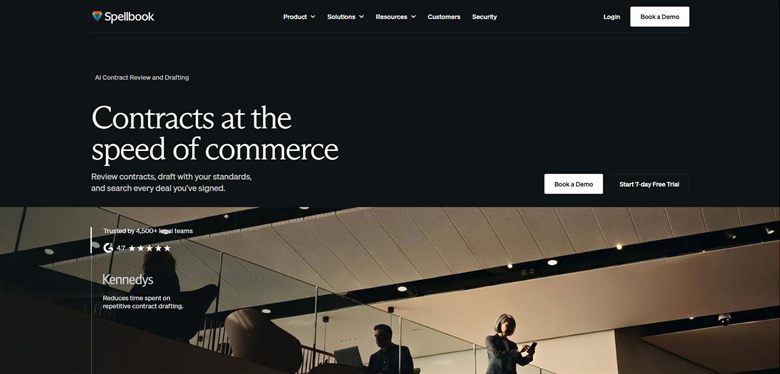
The verdict: The strongest answer for the specific job of marking up counterparty paper, because it produces real tracked changes in the file that will be emailed back. That sounds mundane and it is the whole battle.
Pricing: No published list price. Reported at approximately $99 to $199 per user a month, rising to around $350 per user on enterprise plans with a ten-seat minimum.
Standout features:
- Tracked changes generated inside Word
- Suggested alternative wording, not only flags
- Benchmarks proposed terms against comparable agreements
- Works on the counterparty's own file
Limitations: It assumes a reader qualified to judge the suggestion before sending it. Word-only, so teams negotiating in a browser-based platform get nothing from it.
2. LegalOn: Best for marking up against your own playbook
8.3 out of 10 how this is calculated
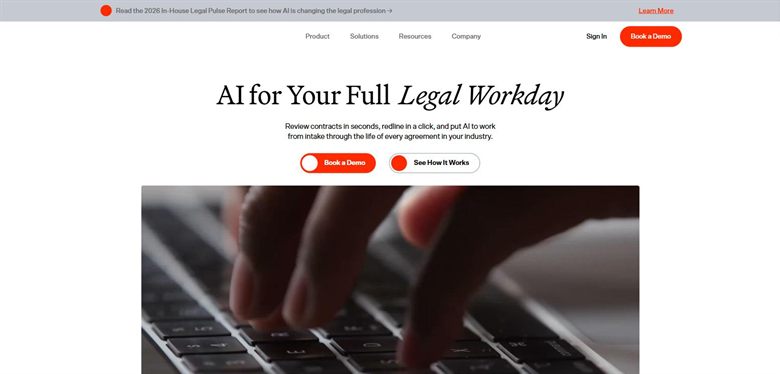
The verdict: Marks up against the positions you have written down rather than against generic best practice. The value tracks directly to how much thought went into the playbook.
Pricing: No public list price, and we could not source a reliable reported figure. Sales-led and quoted on seat count and playbook scope.
Standout features:
- Reviews and revises against a configurable playbook
- Suggested revisions at clause level
- Pre-built playbooks for common agreement types
- Word and browser workflows
Limitations: Without an actual playbook it degrades to generic advice, and building one is real work before any value appears. No published pricing.
3. GenieAI: Best for non-lawyers marking up standard agreements
7.7 out of 10 how this is calculated
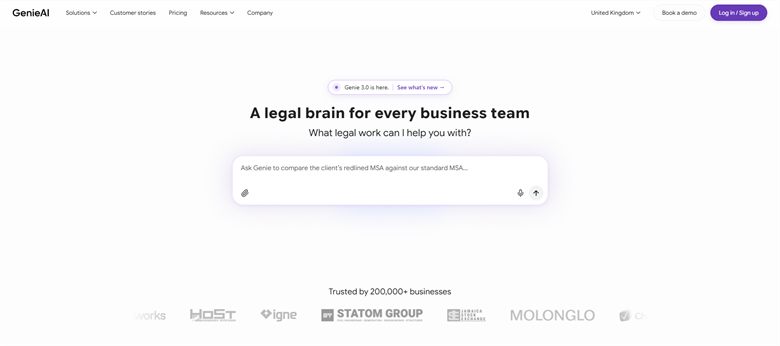
The verdict: Useful where the person marking up cannot evaluate a lawyer's suggestion. The red, amber and green rating tells a commercial lead which changes matter before they send anything.
Pricing: Permanent free plan with no time limit. Pro $75 a month for one user, Business $320 a month for five, Enterprise from $600 a month.
Standout features:
- Suggested revisions with plain-language reasoning
- Risk rated red, amber or green per clause
- Microsoft Word add-in that preserves native track changes
- Tracked changes and negotiation in one workspace
- Free tier to test on a real agreement
Limitations: A qualified lawyer working in Word will find Spellbook faster and closer to their workflow. There is no approval routing either, so a redline needing sign-off from finance or security still moves by email.
4. Luminance: Best for marking up at volume across similar agreements
7.0 out of 10 how this is calculated
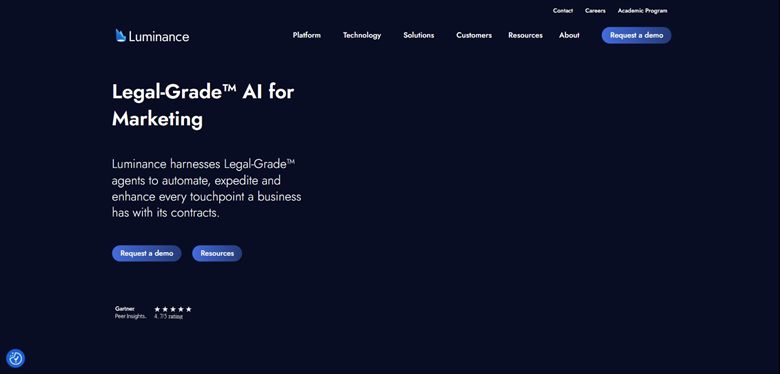
The verdict: Strongest when the same clause needs the same treatment across hundreds of agreements. Consistency at volume rather than depth on any single negotiation.
Pricing: Published list price of approximately $41,340 a year for 1,000 documents with unlimited users. Enterprise deployments are reported from around $25,000 a year depending on volume and modules.
Standout features:
- Automated markup across large document sets
- Anomaly detection against comparable agreements
- Works across languages and jurisdictions
- Unlimited users on the published tier
Limitations: The economics only work at volume. For a team redlining a handful of agreements a week this is a great deal of platform for the problem, and onboarding takes real time.
5. Robin AI: Best for AI markup with a human checking it
6.0 out of 10 how this is calculated

The verdict: The answer when you want a redline but nobody in the building can sign it off. Pairs AI markup with access to human lawyers, which is a different product from everything else here.
Pricing: Subscription tiered by features and volume, reported from around $500 a month for small teams, with enterprise pricing set on contract volume.
Standout features:
- AI-generated markup with human review available
- Word and browser workflows
- Playbook configuration
- Volume-based pricing
Limitations: You are paying for the human layer, so it is poor value for routine agreements a template would handle. The economics change as volume grows, in the wrong direction.
6. Juro: Best for redlining inside an approval process
5.3 out of 10 how this is calculated

The verdict: Redlining here is one step in a longer process rather than the product. Right choice if the negotiation needs to be visible to approvers, wrong one if markup quality is the problem.
Pricing: Sales-led with no public list price. Reported annual contracts run approximately $15,000 to $130,000, priced on contract volume rather than seats.
Standout features:
- In-browser negotiation with version history
- Approval routing around the negotiation
- Native e-signature once agreed
- Audit trail of who changed what
Limitations: The AI markup is lighter than the specialists on this list. Counterparties who insist on Word will pull the negotiation out of the platform, which undermines the audit trail that is the reason to use it.
How we chose
- Does it produce an actual tracked change, or a comment describing one?
- Does the markup respect your own positions, or generic market standard?
- Where the exchange happens: Word, browser, or export and hope.
- Whether the output is safe to send without a lawyer rewriting it.
- Reported price, and whether redlining sits behind a higher tier.
- We did not score on clause library size. A large library of positions nobody agreed to is not a playbook.
Frequently asked questions
What is the best AI tool for redlining contracts in 2026?
Spellbook for lawyers working in Word, because it produces real tracked changes in the file being exchanged. LegalOn where you have written positions to enforce. GenieAI where the person redlining is not a lawyer and needs to know which changes actually matter.
Can AI produce tracked changes, or only comments?
This is the question to ask in every demo, and the answers differ more than the marketing suggests. Some tools generate genuine tracked changes in the document. Others produce a comment describing a change you then make yourself, which is considerably less useful when you are working through a fifty-page agreement.
How much do AI redlining tools cost?
Per-seat tools such as Spellbook are reported at roughly $99 to $199 per user a month. Luminance publishes about $41,340 a year for 1,000 documents. Robin AI is reported from around $500 a month. GenieAI has a free tier. LegalOn publishes nothing and we could not source a figure.
Is AI redlining safe to send without a lawyer checking it?
For standard agreements against positions you have already agreed internally, most teams do exactly that. The judgement worth keeping a human for is anything involving liability caps, indemnities, exclusivity or IP assignment, where the cost of a wrong call is not proportionate to the time saved.
What is the difference between contract review and redlining?
Review tells you what is in the document and what is unusual. Redlining produces the changed text you send back. Many tools do the first and describe the second, which is why the distinction is worth pressing on before buying.
Do redlining tools work on the counterparty's Word file?
The good ones do, and that is the practical test. Contract negotiation still happens by emailing a Word document back and forth, so a tool that requires the agreement to live in its own platform will lose that fight with the counterparty's lawyers.