
7 Best AI Tools for Commercial Leases in 2026
Quick answer: Leases are the clearest case in this whole category where the date matters more than the drafting. A break clause missed by a week costs years of rent, and no review tool prevents that. So the shortlist splits: tools that read the lease you are about to sign, and tools that track the dates in the leases you already have. GenieAI and LegalOn do the first, and GenieAI publishes a price. Evisort and Luminance extract dates from an existing portfolio, and Luminance publishes roughly $41,340 a year. If you hold more than a handful of properties, the second problem is the expensive one.
Comparison
| Tool | Score | Best for | Price | Key strength |
|---|---|---|---|---|
| GenieAI | 9.3 | reviewing a lease without a lawyer | Free plan, then $75/mo; Enterprise from $600/mo | Plain-language risk on a long document |
| LegalOn | 8.5 | legal reviewing every lease | No published price | Depth of pre-built positions |
| Evisort | 8.0 | extracting dates from a portfolio | Reported ~$30,000 to $150,000/yr | Reads leases nobody has catalogued |
| Luminance | 7.4 | portfolios crossing jurisdictions | List ~$41,340/yr for 1,000 documents | The only published price here |
| Ironclad | 6.7 | dates that must reach an owner | Reported ~$30,000 to $250,000/yr | Alerts with somebody accountable |
| Spellbook | 5.8 | a lawyer negotiating the lease | Reported ~$99 to $199 per user/mo | Word-native on a long document |
| Contractbook | 5.2 | a few properties and the dates | Reported ~$39 to $599/mo | Only small-team price here |
Fit by buyer
Scored 1 to 5 for each buyer, where 5 means the tool was built for them and 1 means it is the wrong tool. Scope is different: it is how much of the job the tool does, from a single step to a whole lifecycle, and a low score there means narrow rather than bad. These ratings are the same for a tool wherever it appears; the score shown beside each entry is for this guide specifically. A tool can lead one column and come last in another, and the right answer still changes with who is asking. How we score.
| Tool | Lawyer in Word | In-house legal | Commercial team | Enterprise | Scope | Price |
|---|---|---|---|---|---|---|
| GenieAI | 3 | 5 | 5 | 3 | 2 | Published |
| LegalOn | 4 | 5 | 2 | 3 | 2 | None |
| Evisort | 1 | 4 | 2 | 4 | 4 | Reported |
| Luminance | 3 | 4 | 1 | 4 | 4 | Published |
| Ironclad | 2 | 4 | 2 | 5 | 5 | Reported |
| Spellbook | 5 | 4 | 2 | 2 | 2 | Reported |
| Contractbook | 1 | 3 | 4 | 2 | 3 | Reported |
Which one, for your situation
| If this is your situation | Start with |
|---|---|
| Reviewing a lease before signing, without a lawyer | GenieAI |
| Legal reviews every lease and wants the deepest positions | LegalOn |
| You cannot list the break dates across your portfolio | Evisort |
| A multi-jurisdiction property portfolio | Luminance |
| Notice dates must reach an owner with a deadline | Ironclad |
| A lawyer negotiates heads of terms and the lease in Word | Spellbook |
| A few properties, and dates are the only worry | Contractbook |
The 7 best AI tools for commercial leases
1. GenieAI: Best for reviewing a lease without a lawyer
9.3 out of 10 how this is calculated
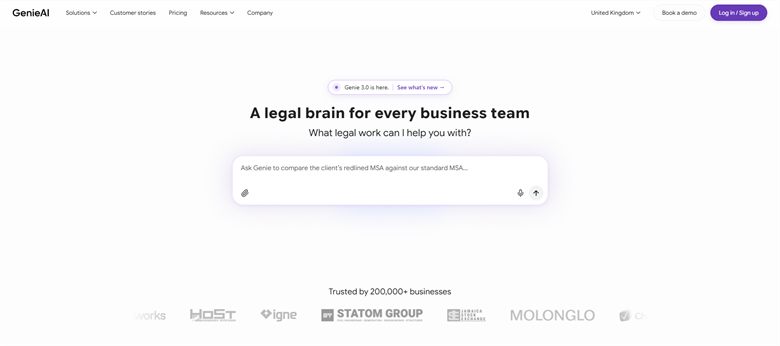
The verdict: Leases are frequently reviewed by an operations or property manager rather than a lawyer, and a sixty-page document with a handful of terms that matter is exactly where plain-language flagging earns its place. The free tier means checking one costs nothing.
Pricing: Permanent free plan with no time limit. Pro $75 a month for one user, Business $320 a month for five, Enterprise from $600 a month with SSO, API access and an SLA.
Standout features:
- Risk rated red, amber or green per clause with plain-language explanation
- Review against positions your business has set
- Microsoft Word add-in that preserves native track changes
- Managed template and clause library
- Free tier with no time limit
Limitations: It reads the lease and does not track it, so the break date it flags is then a diary entry somebody has to make. No portfolio view, so it handles one lease at a time and nothing across a property estate.
2. LegalOn: Best for legal reviewing every lease
8.5 out of 10 how this is calculated
The verdict: Leases follow recognisable patterns, which suits a curated position library well. Strongest review quality here on the document itself, held back by publishing no price at all.
Pricing: No public list price, and we could not source a reliable reported figure. Sales-led and quoted on seat count and playbook scope.
Standout features:
- Pre-built position libraries by agreement type
- Suggested revisions with the reasoning attached
- Word integration for redlining
- Review against your own standards as well as theirs
Limitations: No published price and no reported figure we could stand behind. It assumes a qualified reader, and like every review tool here it does nothing about the dates once the lease is signed.
3. Evisort: Best for extracting dates from a portfolio
8.0 out of 10 how this is calculated

The verdict: The answer to the expensive problem. A property portfolio assembled over years sits in filing cabinets and shared drives, and extraction that produces a break and rent review schedule from it is worth more than any review tool.
Pricing: No public list price. Reported annual contracts run approximately $30,000 to $150,000. Now part of Workday following acquisition, so renewals may route differently than they did.
Standout features:
- Extraction across large and unstructured document sets
- Break, rent review and expiry date identification without manual entry
- Reporting on terms across a portfolio
- Workflow and approvals alongside extraction
Limitations: Extraction degrades on older scanned leases, which is what most property portfolios consist of, so verification is real work rather than a formality. The Workday acquisition leaves pricing and roadmap less settled.
4. Luminance: Best for portfolios crossing jurisdictions
7.4 out of 10 how this is calculated
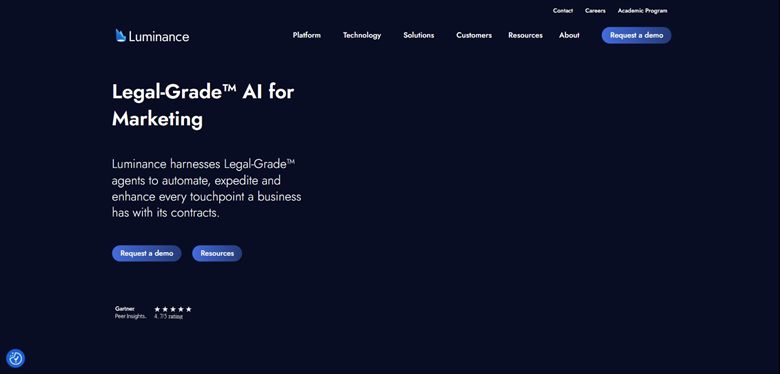
The verdict: Suits a property portfolio spread across countries, where lease conventions differ and a single-jurisdiction tool will misread. It is also the only vendor at this tier that will tell you a number.
Pricing: Published list price of approximately $41,340 a year for 1,000 documents with unlimited users. Enterprise deployments are reported from around $25,000 a year depending on volume and modules.
Standout features:
- Analysis across a whole lease portfolio
- Coverage across many languages and jurisdictions
- Anomaly detection against learned standards
- Unlimited users on the published tier
Limitations: Priced by document volume, which suits many short leases and penalises a portfolio of a few very long ones. It reads well and routes poorly, so a date it finds still needs somebody to own it.
5. Ironclad: Best for dates that must reach an owner
6.7 out of 10 how this is calculated
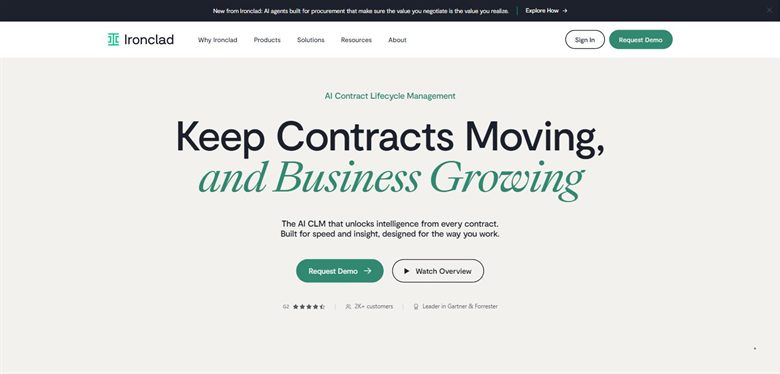
The verdict: Extraction tells you a break date exists; this makes it somebody's job before it passes. On leases that distinction is worth years of rent, and it is the step most portfolios are missing.
Pricing: No public list price. Reported annual contracts run approximately $30,000 to $250,000, with a marketplace median near $40,000 across 363 recorded purchases.
Standout features:
- Obligation and renewal tracking with alerts
- Owner assignment against each critical date
- Repository and reporting across agreements
- Approval routing for new leases
Limitations: Its tracking leans on metadata captured when an agreement was created, so an inherited portfolio is much less visible than a review of it would suggest. Implementation runs to months, which matters if a break date is close.
6. Spellbook: Best for a lawyer negotiating the lease
5.8 out of 10 how this is calculated
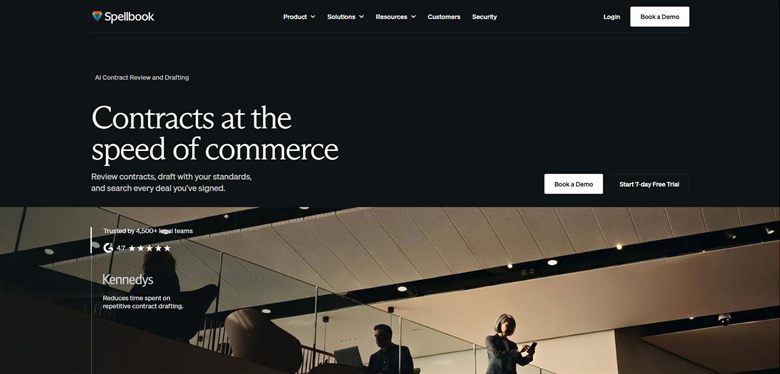
The verdict: Leases are negotiated in Word across several rounds, and working in that file rather than importing it removes a step each time. Useful for the adviser rather than the occupier.
Pricing: No published list price. Reported at approximately $99 to $199 per user a month, rising to around $350 per user on enterprise plans with a ten-seat minimum. A seven-day trial is offered.
Standout features:
- Drafting and redlining inside Microsoft Word
- Suggestions benchmarked against market standard
- Same-day setup with no implementation
- Seven-day trial
Limitations: It assumes a qualified reader, so the property manager who handles most leases cannot use it unaided. No date tracking of any kind, so it addresses the cheaper half of the problem.
7. Contractbook: Best for a few properties and the dates
5.2 out of 10 how this is calculated
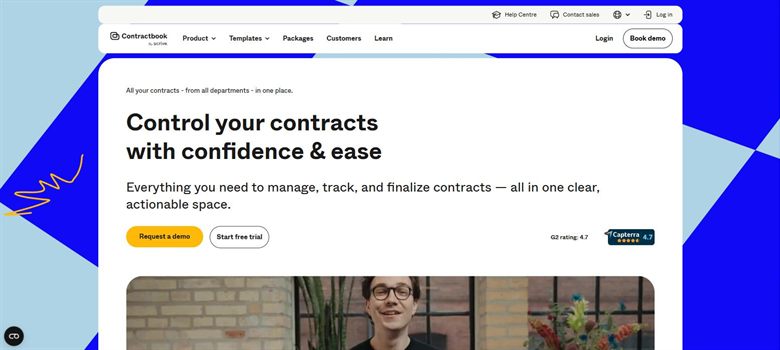
The verdict: For a business with three or four leases, the exposure is a date nobody diarised rather than a clause nobody negotiated. Storage with reminders solves that for a rounding error against the rent.
Pricing: No published rate card. Reported between approximately $39 and $599 a month depending on tier, which is the only genuinely small-team price in this category.
Standout features:
- Searchable repository of executed agreements
- Date and renewal reminders
- Data extraction from stored documents
- Monthly pricing rather than annual contracts
Limitations: Extraction is shallow, so on a long lease the dates likely need entering by hand, which works for four properties and not for forty. No understanding of lease terms at all.
How we chose
- Whether it extracts and tracks critical dates: break options, rent reviews, expiry and notice windows.
- How it handles the lease you are signing, since these are long and heavily negotiated.
- Whether it reads leases signed before the tool arrived, which is the whole existing portfolio.
- Whether a property or facilities manager can act on the output, since legal is often not involved.
- Published price.
- We did not score on property management integration. Most of these do not connect to property systems at all, and a page pretending otherwise would be scoring aspiration.
Frequently asked questions
What is the best AI tool for commercial leases in 2026?
GenieAI for reviewing a lease before signing without a lawyer, at a published free tier rising to $75 a month. Evisort for extracting break and rent review dates from an existing portfolio. Ironclad if those dates need to reach a named owner before they pass.
What actually costs money on a commercial lease?
Almost never the clause you negotiated. It is the break option that required fourteen months' notice served in a specific form, the rent review that triggered automatically because nobody responded, and the reinstatement obligation nobody costed until dilapidations arrived. All of those are date and tracking failures.
How much do these cost?
GenieAI publishes a free tier rising to $75 a month and Contractbook is reported from around $39. Spellbook is reported at $99 to $199 per user. Luminance publishes roughly $41,340 a year, and Evisort and Ironclad are reported from about $30,000. LegalOn publishes nothing.
Do we need review or tracking?
Both, but tracking is the expensive gap. A review tool helps once per lease, at signature. A tracking tool helps every year for the length of the term. If you hold more than a handful of properties and cannot list your break dates from memory, buy tracking first.
Can a property manager use these without a lawyer?
GenieAI is designed for that reader and Contractbook needs no legal knowledge to operate. LegalOn and Spellbook both assume a qualified reviewer. Given how often leases are handled by property or facilities teams rather than legal, that distinction decides more of these purchases than it should.
Will these read leases we signed years ago?
Evisort and Luminance will, because they extract from the document text. Ironclad is much weaker here since its tracking depends on metadata captured at creation. Test any of them on your oldest scanned lease, because that is what a real portfolio looks like and not what a demo uses.
What about service charge and dilapidations?
None of these will tell you whether a service charge is being calculated correctly or what dilapidations will cost, and none claims to. They will surface the clauses and the dates. Quantifying the liability is a surveyor's job, and the tools that help are the ones ensuring the clause was read before it was signed.