
7 Best AI Tools for Data Processing Agreements in 2026
Quick answer: DPAs are unusual: the wording is largely settled, so the hard part is not drafting but knowing whether the schedule describing your processing is accurate. Software is good at the first and cannot do the second. Termly generates the surrounding website policies at $10 per site a month. GenieAI and LegalOn are the strongest at checking an incoming DPA against positions you have set. Nothing here verifies that Annex I matches your actual data flows, and any tool implying otherwise is overselling, because that answer lives in your systems rather than in the document.
Comparison
| Tool | Score | Best for | Price | Key strength |
|---|---|---|---|---|
| GenieAI | 9.3 | checking incoming DPAs against your positions | Free plan, then $75/mo; Enterprise from $600/mo | Usable by whoever the DPA lands on |
| LegalOn | 8.5 | legal reviewing every DPA | No published price | Depth of pre-built positions |
| Termly | 7.9 | the website policies around the DPA | $10 per site/mo, billed annually | Cheapest published price by a distance |
| Juro | 7.3 | routing a constant stream of DPAs | Reported ~$15,000 to $130,000/yr | Gets them to the right approver |
| Spellbook | 6.5 | a lawyer negotiating them in Word | Reported ~$99 to $199 per user/mo | Market-standard benchmarking |
| Luminance | 6.1 | finding the DPAs you already signed | List ~$41,340/yr for 1,000 documents | Reads the whole estate |
| Icertis | 5.3 | DPAs inside a procurement process | No published price | Obligations tracked after signature |
Fit by buyer
Scored 1 to 5 for each buyer, where 5 means the tool was built for them and 1 means it is the wrong tool. Scope is different: it is how much of the job the tool does, from a single step to a whole lifecycle, and a low score there means narrow rather than bad. These ratings are the same for a tool wherever it appears; the score shown beside each entry is for this guide specifically. A tool can lead one column and come last in another, and the right answer still changes with who is asking. How we score.
| Tool | Lawyer in Word | In-house legal | Commercial team | Enterprise | Scope | Price |
|---|---|---|---|---|---|---|
| GenieAI | 3 | 5 | 5 | 3 | 2 | Published |
| LegalOn | 4 | 5 | 2 | 3 | 2 | None |
| Termly | 1 | 2 | 3 | 2 | 1 | Published |
| Juro | 2 | 4 | 4 | 4 | 4 | Reported |
| Spellbook | 5 | 4 | 2 | 2 | 2 | Reported |
| Luminance | 3 | 4 | 1 | 4 | 4 | Published |
| Icertis | 1 | 3 | 1 | 5 | 5 | None |
Which one, for your situation
| If this is your situation | Start with |
|---|---|
| Checking incoming DPAs against positions you have set | GenieAI |
| A lawyer reviews every DPA and wants the deepest positions | LegalOn |
| You need the website privacy policy and cookie notice too | Termly |
| DPAs arrive constantly and need to route to the right approver | Juro |
| A qualified lawyer negotiates them in Word | Spellbook |
| You need to find every DPA you have already signed | Luminance |
| DPAs sit inside a procurement process with obligations to track | Icertis |
The 7 best AI tools for data processing agreements
1. GenieAI: Best for checking incoming DPAs against your positions
9.3 out of 10 how this is calculated
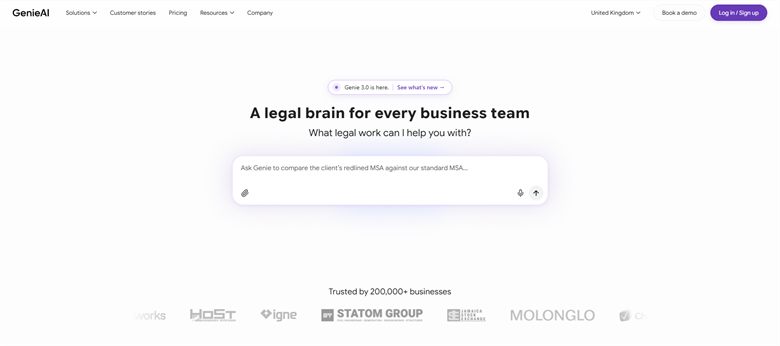
The verdict: DPAs usually land with whoever is buying the software, not with legal, and that person needs to know which of forty clauses is unusual. Risk flagged in plain language against positions your team has set is the right shape for that, and the free tier means the first one costs nothing to check.
Pricing: Permanent free plan with no time limit. Pro $75 a month for one user, Business $320 a month for five, Enterprise from $600 a month with SSO, API access and an SLA.
Standout features:
- Risk rated red, amber or green per clause with a plain-language explanation
- Review against positions your legal team has set
- Organisational knowledge graph so a position taken on one DPA carries to the next
- Microsoft Word add-in that preserves native track changes
- Free tier with no time limit
Limitations: It has no sub-processor register and no mechanism for tracking when a counterparty updates its list, which is where DPA obligations actually bite after signature. There is no signature or repository either, so the executed DPA lives elsewhere.
2. LegalOn: Best for legal reviewing every DPA
8.5 out of 10 how this is calculated
The verdict: DPAs suit a curated library well, because the clause set is standardised enough that lawyer-authored positions transfer between agreements. Strongest review quality here, held back only by publishing no price at all.
Pricing: No public list price, and we could not source a reliable reported figure. Sales-led and quoted on seat count and playbook scope.
Standout features:
- Pre-built position libraries covering data protection clauses
- Suggested revisions with the reasoning attached
- Word integration for redlining
- Review against your own standards as well as theirs
Limitations: No published price and no reported figure we could stand behind. It assumes a qualified reader, which is a poor match for how DPAs actually arrive, and like every tool here it reads the clauses rather than checking them against your real data flows.
3. Termly: Best for the website policies around the DPA
7.9 out of 10 how this is calculated
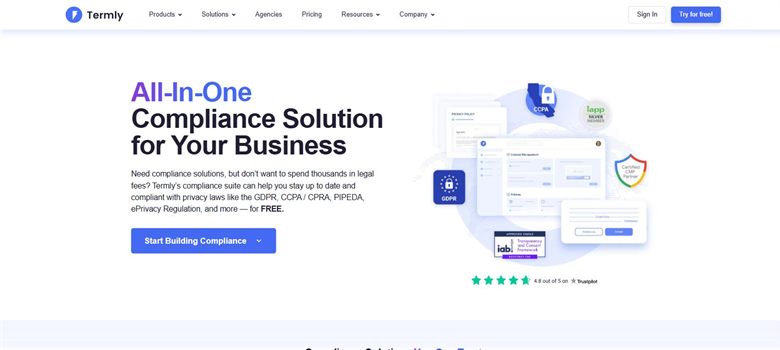
The verdict: Solves the adjacent problem rather than the DPA itself. If you need a DPA you almost certainly also need a privacy policy, cookie notice and consent banner that stay current, and nothing else here does that at $10 a month.
Pricing: Published. Starter $10 per website a month billed annually or $14 monthly, covering two policies and 50,000 banner views. Pro+ is $15 billed annually or $20 monthly for unlimited policies and unlimited banner views. A free tier covers one basic policy and 10,000 banner views.
Standout features:
- Privacy policy, cookie policy and consent banner generation
- Policies updated as regulations change
- Regional consent rules
- Free tier for a single policy
Limitations: It does not review or negotiate a DPA at all, so it is a complement rather than a competitor to the rest of this page. Policies are generated from a questionnaire, so they describe what you said you do rather than what you actually do.
4. Juro: Best for routing a constant stream of DPAs
7.3 out of 10 how this is calculated
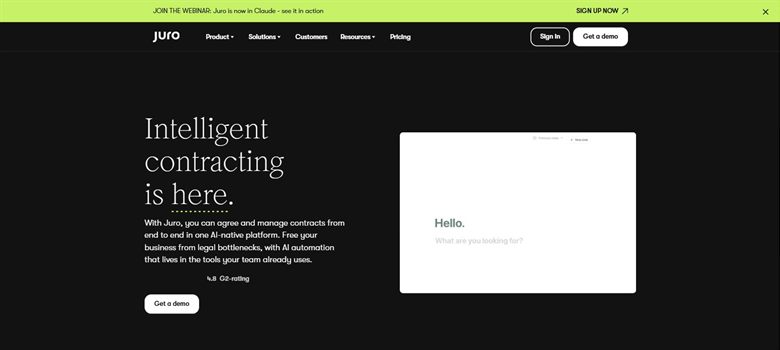
The verdict: DPAs arrive with every new vendor, which makes volume the problem rather than difficulty. Routing the standard ones through automatically and escalating only the unusual is the right shape once you are signing them weekly.
Pricing: Sales-led with no public list price. Reported annual contracts run approximately $15,000 to $130,000, with marketplace medians around $31,000 to $34,500, priced on contract volume rather than per seat.
Standout features:
- Approval routing when terms depart from standard
- Templates for your own outbound DPA
- Native electronic signature
- Searchable repository of every executed agreement
Limitations: It enforces the positions you set without assessing the clauses, so it manages DPA flow rather than reviewing DPA content. Priced on contract volume with no published figure, and a DPA counts the same as a major commercial agreement.
5. Spellbook: Best for a lawyer negotiating them in Word
6.5 out of 10 how this is calculated
The verdict: Useful for the DPA negotiations that are genuinely contested, which tend to be liability, audit rights and international transfers rather than the boilerplate around them.
Pricing: No published list price. Reported at approximately $99 to $199 per user a month, rising to around $350 per user on enterprise plans with a ten-seat minimum. A seven-day trial is offered.
Standout features:
- Drafting and redlining inside Microsoft Word
- Suggestions benchmarked against market standard
- Clause generation from a description
- Seven-day trial
Limitations: Assumes a qualified reader, so it does not help the procurement or ops person a DPA usually lands on. Benchmarking against market standard is less useful here than in commercial work, because the constraint is regulation rather than what counterparties accept.
6. Luminance: Best for finding the DPAs you already signed
6.1 out of 10 how this is calculated
The verdict: Answers a question most businesses cannot: which of our agreements contain data processing terms, and what did we agree. That matters at audit or breach far more than the DPA currently on someone's desk.
Pricing: Published list price of approximately $41,340 a year for 1,000 documents with unlimited users. Enterprise deployments are reported from around $25,000 a year depending on volume and modules.
Standout features:
- Extraction across every agreement already signed
- Identifies data protection terms buried in wider contracts
- Unlimited users on the published tier
- Coverage across many languages and jurisdictions
Limitations: Priced by document volume, so a business with a few hundred vendor agreements pays a lot for what is often a one-off exercise. It reads what you signed rather than helping with the one in front of you today.
7. Icertis: Best for DPAs inside a procurement process
5.3 out of 10 how this is calculated

The verdict: The only tool here that treats a DPA as creating ongoing duties rather than as a document to sign. Audit rights, breach notification windows and sub-processor change notices are obligations, and this tracks them.
Pricing: No published price and no reliable reported figure we could source. Enterprise sales-led, quoted on contract volume and module count. Widely understood to sit at the top of the market alongside Ironclad.
Standout features:
- Obligation extraction with owner assignment
- Compliance tracking against regulatory policy
- Procurement workflow with vendor records
- Multi-entity and multi-jurisdiction support
Limitations: No published price and nothing reliably reported, and it is an enterprise deployment measured in months. Far more than a business signing a handful of DPAs a year needs, and its clause-level review is shallower than the dedicated review tools.
How we chose
- Whether it checks an incoming DPA against your positions, since most DPAs are received rather than written.
- How it handles the schedules, which is where a DPA is actually specific to you.
- Whether sub-processor lists and international transfer mechanisms are surfaced or skipped.
- Whether a non-lawyer can act on the output, since DPAs often land with ops or procurement.
- Published price.
- We did not score on regulatory coverage claims. Vendors describe GDPR, UK GDPR and CCPA support in terms that cannot be compared, and none publishes when its clause set was last reviewed.
Frequently asked questions
What is the best AI tool for data processing agreements in 2026?
GenieAI for checking incoming DPAs against positions you have set, at a published free tier rising to $75 a month, and usable by whoever the DPA lands on. LegalOn if a lawyer reviews every one. Termly at $10 per site a month if what you actually need is the website privacy policy alongside it.
What do these tools not do?
None of them verifies that the processing described in your DPA matches what your business actually does with the data. That is where most real DPA risk sits, and the answer lives in your systems and your engineering team rather than in the document. A tool that reviews the clauses confidently can leave the biggest problem untouched.
How much do they cost?
Termly publishes $10 per site a month and GenieAI a free tier rising to $75. Spellbook is reported at $99 to $199 per user a month. Luminance publishes roughly $41,340 a year for 1,000 documents. Juro is reported from about $15,000. LegalOn and Icertis publish nothing and no reliable figures could be sourced.
Do we need to negotiate a vendor's standard DPA?
Usually less than people expect. Most vendor DPAs track the statutory requirements closely because they have to, and the clauses genuinely worth arguing are liability, audit rights, sub-processor change notice periods and the international transfer mechanism. Reviewing all forty clauses equally is how DPA review becomes slow without becoming safer.
Who should review a DPA in a business without a lawyer?
Whoever understands what data the vendor will actually touch, which is usually the person buying the tool rather than anyone in legal. That is an argument for a tool a non-lawyer can act on. The clauses to escalate are the transfer mechanism, anything altering liability, and any audit right you would not realistically exercise.
How do we keep track of sub-processors?
Not with any tool on this page, mostly. Vendor sub-processor lists change and the notice usually arrives by email to whoever signed. Icertis tracks it as an obligation if you are at that scale; below it, a maintained register and a calendar reminder is the honest answer, and pretending software solves this would be misleading.
Are the schedules or the clauses more important?
The schedules, and it is not close. Annex I describing the categories of data, the purposes and the retention is the part specific to your arrangement, and it is the part most often copied from a template without being read. The clauses are largely settled; the schedules are where a DPA becomes wrong.