
7 Best Legal AI Tools for In-House Teams in 2026
Quick answer: The in-house job is not reviewing contracts faster. It is getting your positions applied consistently by a business that will not wait for you, which is a different purchase and the reason most of these tools are bought. GenieAI and LegalOn are the two strongest on that, and the difference is where the positions come from: yours, built and enforced, or the vendor's, ready on day one. Both suit the one-to-five-lawyer team typical between roughly 200 and 1,000 people. GenieAI publishes a price and runs a free tier; LegalOn publishes nothing and we could not source a figure. Juro is the answer when sales needs to self-serve inside rules you set. Ironclad is the answer when the bottleneck is approvals rather than drafting, and at large-enterprise prices to match.
Comparison
| Tool | Score | Best for | Price | Key strength |
|---|---|---|---|---|
| GenieAI | 9.3 | building and enforcing your own standards | Free plan, then $75/mo; Enterprise from $600/mo | Positions that compound rather than reset |
| LegalOn | 8.5 | a lawyer-authored library on day one | No published price | Depth of pre-built positions |
| Juro | 8.0 | letting sales self-serve inside your rules | Reported ~$15,000 to $130,000/yr | Non-legal staff can operate it |
| Wordsmith | 7.2 | teams drowning in repeat questions | Reported ~$450 per user/mo | Answers the question, not just the document |
| Spellbook | 6.5 | the in-house lawyer who lives in Word | Reported ~$99 to $199 per user/mo | Fastest to value of anything here |
| Ironclad | 6.1 | approvals across departments | Reported ~$30,000 to $250,000/yr | Routing sign-off to the right people |
| Luminance | 5.4 | understanding the estate you inherited | List ~$41,340/yr for 1,000 documents | Publishes a price at this tier |
Fit by buyer
Scored 1 to 5 for each buyer, where 5 means the tool was built for them and 1 means it is the wrong tool. Scope is different: it is how much of the job the tool does, from a single step to a whole lifecycle, and a low score there means narrow rather than bad. These ratings are the same for a tool wherever it appears; the score shown beside each entry is for this guide specifically. A tool can lead one column and come last in another, and the right answer still changes with who is asking. How we score.
| Tool | Lawyer in Word | In-house legal | Commercial team | Enterprise | Scope | Price |
|---|---|---|---|---|---|---|
| GenieAI | 3 | 5 | 5 | 3 | 2 | Published |
| LegalOn | 4 | 5 | 2 | 3 | 2 | None |
| Juro | 2 | 4 | 4 | 4 | 4 | Reported |
| Wordsmith | 4 | 4 | 2 | 2 | 2 | Reported |
| Spellbook | 5 | 4 | 2 | 2 | 2 | Reported |
| Ironclad | 2 | 4 | 2 | 5 | 5 | Reported |
| Luminance | 3 | 4 | 1 | 4 | 4 | Published |
Which one, for your situation
| If this is your situation | Start with |
|---|---|
| You want your own standards built, enforced and retained | GenieAI |
| You want a lawyer-authored position library working immediately | LegalOn |
| Sales needs to self-serve contracts inside rules you set | Juro |
| The business keeps asking you the same questions | Wordsmith |
| You are a qualified reviewer who lives in Word | Spellbook |
| The bottleneck is approvals across departments | Ironclad |
| The question is what the whole signed estate commits you to | Luminance |
The 7 best legal AI tools for in-house teams
1. GenieAI: Best for building and enforcing your own standards
9.3 out of 10 how this is calculated
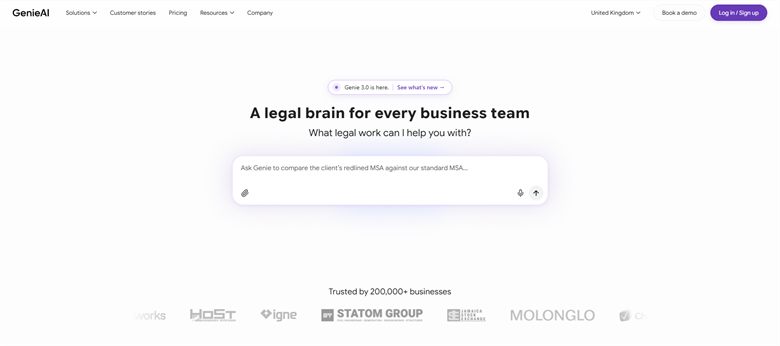
The verdict: The strongest fit for the two-sided way in-house work actually runs: you set the standards, the business executes inside them, and you see the exceptions. The knowledge graph underneath means decisions you have already made get reused rather than re-litigated.
Pricing: Permanent free plan with no time limit. Pro $75 a month for one user, Business $320 a month for five, Enterprise from $600 a month with SSO, API access and an SLA.
Standout features:
- Review and redlining against your organisation's own playbook
- Organisational knowledge graph that surfaces prior policies and precedent into each transaction
- Managed template and clause library
- Microsoft Word add-in that preserves native track changes
- Free tier with no time limit
Limitations: The value depends on the standards being set, so a team that has never written its positions down does that work first and gets generic help until it has. It is not a CLM: no obligation tracking across an estate, no repository reporting and no enterprise approval routing, so if the problem is process rather than drafting a platform is the answer.
2. LegalOn: Best for a lawyer-authored library on day one
8.5 out of 10 how this is calculated

The verdict: The other tool built around what a reviewing lawyer actually decides, and on pure review quality it is the best here. Second only because a team that cannot establish the price cannot shortlist it, which is a real obstacle for an in-house budget holder.
Pricing: No public list price, and we could not source a reliable reported figure. Sales-led and quoted on seat count and playbook scope.
Standout features:
- Pre-built position libraries by agreement type
- Suggested revisions with the reasoning attached
- Word integration for redlining
- Review against your own standards as well as theirs
Limitations: No published price and no reported figure we could stand behind, so budgeting requires a sales process before you know whether it is even in range. The library is the vendor's, which is useful immediately and never quite fits the clauses your business actually argues about.
3. Juro: Best for letting sales self-serve inside your rules
8.0 out of 10 how this is calculated

The verdict: The most direct answer to in-house capacity, because it removes legal from routine agreements entirely rather than making legal faster at them. That is a bigger structural win than any review tool delivers.
Pricing: Sales-led with no public list price. Reported annual contracts run approximately $15,000 to $130,000, with marketplace medians around $31,000 to $34,500, priced on contract volume rather than per seat.
Standout features:
- Templates and guided creation for non-legal staff
- Approval rules that route only the exceptions to you
- Native electronic signature
- Searchable repository with reporting
Limitations: Clause-level intelligence is thinner than the review tools, so it enforces the language you set without telling you whether that language is good. Priced on contract volume with no published figure, so cost grows with business success in a way you cannot model in advance.
4. Wordsmith: Best for teams drowning in repeat questions
7.2 out of 10 how this is calculated
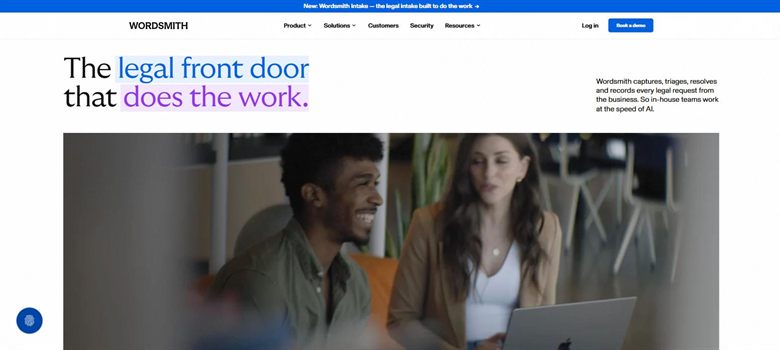
The verdict: Built specifically for in-house rather than adapted to it, and aimed at the part of the job nobody counts: the interruptions. If most of your week is answering the same question for different people, this targets that directly.
Pricing: No published list price. Reported at approximately $450 per user a month, which is the top of the per-seat range in this category.
Standout features:
- Answers policy and contract questions from your own precedent
- Integrations with Slack and email where the questions arrive
- Review and generation alongside the question answering
- Built for in-house rather than firm workflows
Limitations: At a reported $450 per user a month it is the most expensive per seat here, which is hard to justify for a team of one or two. It is also a younger product with a shorter track record than anything else on this page.
5. Spellbook: Best for the in-house lawyer who lives in Word
6.5 out of 10 how this is calculated
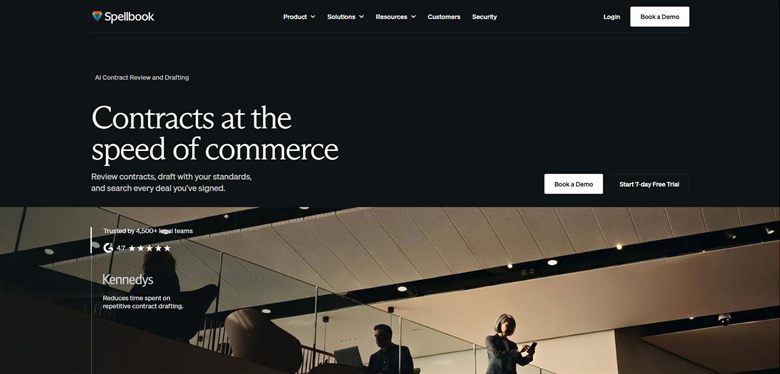
The verdict: Makes you faster rather than making the business self-sufficient, which is the smaller of the two wins but the one you can have this afternoon. The seven-day trial means finding out costs nothing.
Pricing: No published list price. Reported at approximately $99 to $199 per user a month, rising to around $350 per user on enterprise plans with a ten-seat minimum. A seven-day trial is offered.
Standout features:
- Drafting, review and redlining inside Microsoft Word
- Suggestions benchmarked against market standard
- Same-day setup with no implementation
- Seven-day trial
Limitations: No repository, no approval workflow and nothing the business can use without you, so it improves your throughput and leaves the queue in front of you the same length. The ten-seat minimum on enterprise plans is awkward for the small teams its per-seat price otherwise suits.
6. Ironclad: Best for approvals across departments
6.1 out of 10 how this is calculated
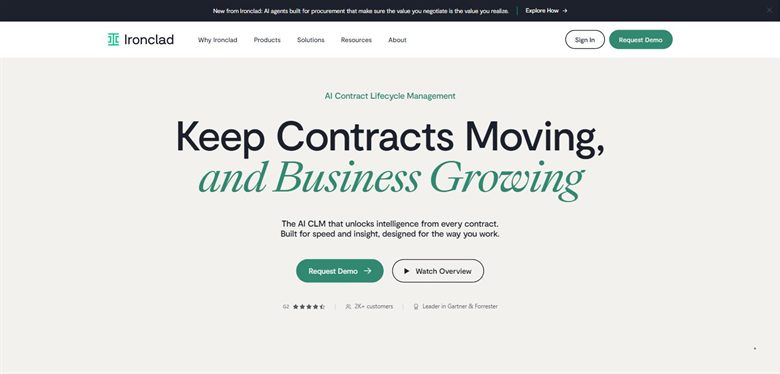
The verdict: Right when the delay is not legal at all but finance, security and the deal desk. In-house teams often discover that late, having bought a review tool for an approval problem.
Pricing: No public list price. Reported annual contracts run approximately $30,000 to $250,000, with a marketplace median near $40,000 across 363 recorded purchases.
Standout features:
- Conditional approval routing by value, risk and department
- Repository and reporting across executed agreements
- Obligation and renewal tracking
- Deep Salesforce and procurement integration
Limitations: Implementation runs to months and needs an internal owner, which for a small in-house team means the owner is you. The reported median near $40,000 a year is well beyond what most in-house budgets carry for one tool.
7. Luminance: Best for understanding the estate you inherited
5.4 out of 10 how this is calculated

The verdict: A different question from the rest of this page. Useful for the in-house lawyer who has just arrived and cannot say what the company has already committed to, which is a common and genuinely uncomfortable position.
Pricing: Published list price of approximately $41,340 a year for 1,000 documents with unlimited users. Enterprise deployments are reported from around $25,000 a year depending on volume and modules.
Standout features:
- Analysis across contracts signed long before you arrived
- Anomaly detection against learned standards
- Unlimited users on the published tier
- Coverage across many languages and jurisdictions
Limitations: Priced by document volume rather than seats, so a small team with a large inherited estate pays a lot for a one-off exercise. It reads the estate well and does little for the contract on your screen today.
How we chose
- Whether it enforces your positions at the point of work, or only helps you review faster yourself.
- Whether people outside legal can use it unaided, since in-house capacity is the constraint being bought around.
- What happens to institutional knowledge: whether the tool retains what you have already decided or starts fresh each time.
- Published price, and whether the standards or playbook build is included.
- Microsoft Word support, since counterparty paper arrives and leaves as a Word file.
- We did not score on matter management, billing or e-billing. Those are real in-house needs and a different category, and bundling them here would flatter the platforms.
Frequently asked questions
What is the best legal AI tool for an in-house team in 2026?
GenieAI if you want your own standards built, enforced and retained, at a published price with a free tier. LegalOn if you want a lawyer-authored library working on day one, though it publishes no price. Juro if the real win is letting sales handle routine agreements without you.
What should an in-house team actually buy first?
Work out whether your bottleneck is your own throughput or the queue in front of you. A review tool like Spellbook makes you faster and leaves the queue the same length. A standards tool like GenieAI or a platform like Juro shortens the queue by letting the business handle routine work. The second is the bigger win and the harder sell internally.
How much does legal AI cost for an in-house team?
GenieAI publishes a free tier rising to $75 a month and $320 for five users. Spellbook is reported at $99 to $199 per user a month and Wordsmith at around $450. At platform level, Juro is reported from about $15,000 a year and Ironclad from $30,000. LegalOn publishes nothing and no reliable figure could be sourced.
Can these tools let non-lawyers handle contracts safely?
For standard agreements inside positions you have set, yes, and that is the main reason in-house teams buy them. The risk is the agreement that falls outside those positions, where a confident suggestion is worse than none. Tools that escalate the exception rather than answering everything handle that better, and it is worth testing with a deliberately awkward document.
Do we need a CLM as well?
Only if contracts get signed and then nobody can find them, renewals lapse, or approvals happen over email. Those are lifecycle problems and Ironclad or Juro solve them. If the pain is that drafting and review are slow, a CLM is an expensive way not to fix it, and the review and standards tools here cost an order of magnitude less.
What happens to our institutional knowledge when someone leaves?
This is the question nobody asks during an evaluation and everybody regrets. Most tools hold your positions in a proprietary structure that does not export cleanly, so the work of encoding what your business has decided is the asset and the lock-in at the same time. Ask what leaves with you, and get the answer in writing.
Will legal AI reduce our outside counsel spend?
On routine commercial work, plausibly, because that is the work being brought in-house. On anything genuinely contested or specialist, no, and vendors implying otherwise are overselling. The honest business case is capacity: the same team handles more without headcount, not that external advice disappears.