
6 Best AI Tools for NDAs in 2026
Quick answer: NDAs are the highest-volume, lowest-value agreement most businesses handle, which makes them the wrong thing to spend legal time on and the right thing to automate. GenieAI drafts and risk-checks them on a free tier, which suits the non-lawyer who signs most of them. Spellbook is faster if a lawyer is reviewing counterparty NDAs in Word, at a reported $99 to $199 per user a month. PandaDoc at $19 a user handles the send-and-sign half. The clause that decides whether an NDA is worth signing is almost always the definition of confidential information, not the term.
Comparison
| Tool | Score | Best for | Price | Key strength |
|---|---|---|---|---|
| GenieAI | 9.3 | non-lawyers sending and checking NDAs | Free plan, then $75/mo | Risk-rates both directions, sending and receiving |
| Spellbook | 8.4 | lawyers reviewing counterparty NDAs in Word | Reported ~$99 to $199 per user/mo | Fast markup on inbound NDAs |
| PandaDoc | 7.7 | sending the same NDA repeatedly | $19 per user/mo | Send and sign in one place |
| Juro | 6.9 | NDAs that need approval before signature | Reported ~$15,000 to $130,000/yr | Routing and audit trail |
| Luminance | 6.2 | checking NDAs at volume | List ~$41,340/yr for 1,000 documents | Consistency across many documents |
| Robin AI | 5.2 | NDAs that have become contentious | From ~$500/mo | Human legal backup |
Fit by buyer
Scored 1 to 5 for each buyer, where 5 means the tool was built for them and 1 means it is the wrong tool. Scope is different: it is how much of the job the tool does, from a single step to a whole lifecycle, and a low score there means narrow rather than bad. These ratings are the same for a tool wherever it appears; the score shown beside each entry is for this guide specifically. A tool can lead one column and come last in another, and the right answer still changes with who is asking. How we score.
| Tool | Lawyer in Word | In-house legal | Commercial team | Enterprise | Scope | Price |
|---|---|---|---|---|---|---|
| GenieAI | 3 | 5 | 5 | 3 | 2 | Published |
| Spellbook | 5 | 4 | 2 | 2 | 2 | Reported |
| PandaDoc | 1 | 2 | 4 | 2 | 2 | Published |
| Juro | 2 | 4 | 4 | 4 | 4 | Reported |
| Luminance | 3 | 4 | 1 | 4 | 4 | Published |
| Robin AI | 3 | 3 | 4 | 2 | 2 | Reported |
Which one, for your situation
| If this is your situation | Start with |
|---|---|
| A non-lawyer needs to send an NDA today | GenieAI |
| A lawyer is reviewing counterparty NDAs in Word | Spellbook |
| You send the same NDA repeatedly and need signature | PandaDoc |
| You want NDAs to route through an approval process | Juro |
| You are checking hundreds of NDAs for one unusual clause | Luminance |
| Your NDA has become a real dispute | Robin AI |
The 6 best AI tools for NDAs
1. GenieAI: Best for non-lawyers sending and checking NDAs
9.3 out of 10 how this is calculated
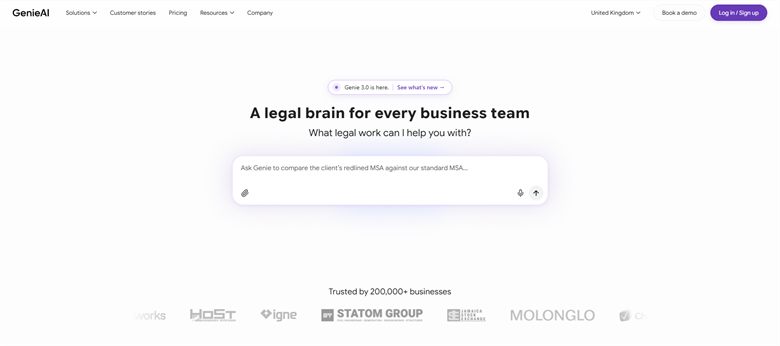
The verdict: Suits the reality of NDAs, which is that they are usually handled by whoever is in the meeting rather than by legal. Drafts one and rates the risk in a counterparty's version, both readable without legal training.
Pricing: Permanent free plan with no time limit. Pro $75 a month for one user, Business $320 a month for five, Enterprise from $600 a month.
Standout features:
- Drafts mutual and one-way NDAs from a plain-language brief
- Rates counterparty NDAs red, amber or green per clause
- Microsoft Word add-in that preserves native track changes
- Flags unusually long terms and broad confidentiality definitions
- Free tier, so a single NDA costs nothing
Limitations: There is no signature, so an NDA still has to be executed somewhere else, which is a real gap on a document whose whole purpose is to be signed quickly. It is also built for a business handling contracts regularly rather than for a single NDA, so one agreement does not warrant a paid plan.
2. Spellbook: Best for lawyers reviewing counterparty NDAs in Word
8.4 out of 10 how this is calculated
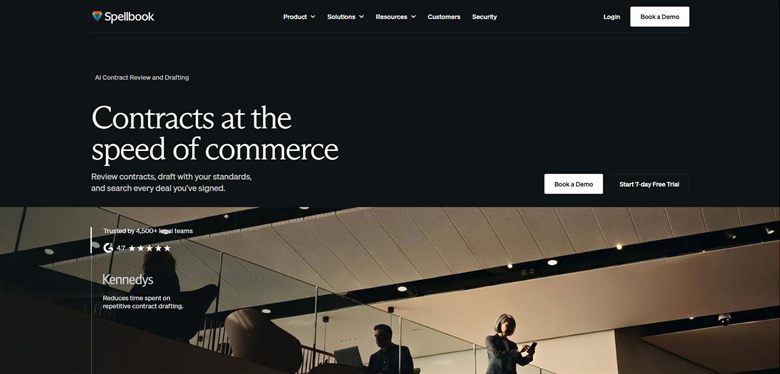
The verdict: If a lawyer is working through inbound NDAs, this is the fastest route. Tracked changes appear in the file that gets emailed back, which is where the negotiation actually happens.
Pricing: No published list price. Reported at approximately $99 to $199 per user a month, rising to around $350 per user on enterprise plans with a ten-seat minimum.
Standout features:
- Tracked changes generated inside Microsoft Word
- Benchmarks NDA terms against comparable agreements
- Suggested alternative wording on unusual clauses
- Seven-day trial
Limitations: Hard to justify on NDAs alone at this price, and it assumes a qualified reader. Give it to the salesperson who received the NDA and the output looks authoritative without being checkable by them.
3. PandaDoc: Best for sending the same NDA repeatedly
7.7 out of 10 how this is calculated
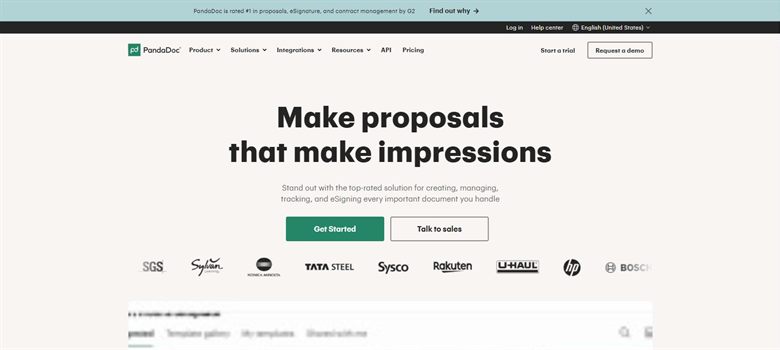
The verdict: Solves the logistics rather than the content. If your NDA never changes and the problem is chasing signatures, this is enough and it is cheap.
Pricing: Published at $19 per user a month, one of only seven vendors in our price index to state a figure publicly.
Standout features:
- NDA template with variable fields
- Native e-signature and reminders
- Tracking on who has opened and signed
- Published per-seat pricing
Limitations: It will not tell you anything about an NDA someone else sent you, which is half the problem. Useful for outbound, close to useless for inbound.
4. Juro: Best for NDAs that need approval before signature
6.9 out of 10 how this is calculated
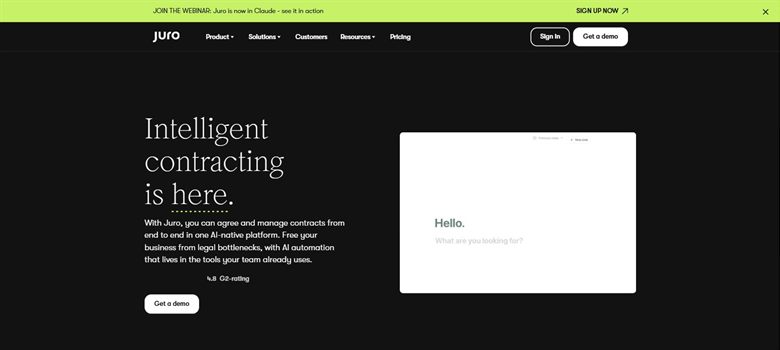
The verdict: Right when the problem is that NDAs get signed by people who should not be signing them. Routing and a record of who approved what is the product.
Pricing: Sales-led with no public list price. Reported annual contracts run approximately $15,000 to $130,000, priced on contract volume rather than seats.
Standout features:
- Self-serve NDA creation from approved templates
- Approval routing before signature
- Native e-signature
- Searchable record of every NDA signed
Limitations: Priced as a platform, so NDAs alone will never justify it. This is a purchase you make for the whole contract process and then also use for NDAs.
5. Luminance: Best for checking NDAs at volume
6.2 out of 10 how this is calculated
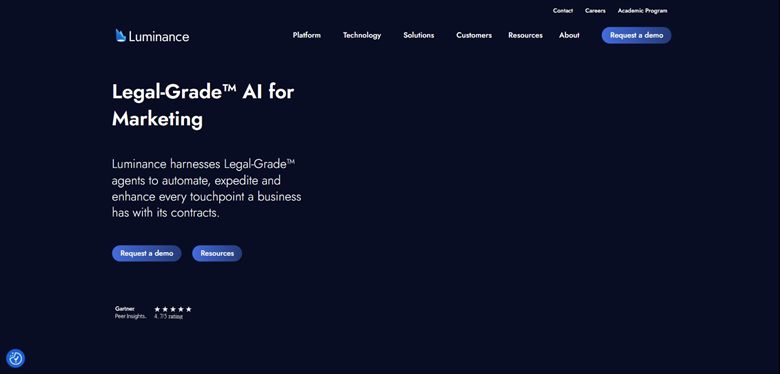
The verdict: For the specific case of needing to know which of several hundred NDAs contain a particular clause. That is a due diligence problem rather than a daily one.
Pricing: Published list price of approximately $41,340 a year for 1,000 documents with unlimited users.
Standout features:
- Anomaly detection across large document sets
- Works across languages and jurisdictions
- Clause comparison at volume
- Unlimited users on the published tier
Limitations: Wildly oversized for handling NDAs as they arrive. The economics only work when you are reviewing hundreds at once, which for most teams happens during diligence and never again.
6. Robin AI: Best for NDAs that have become contentious
5.2 out of 10 how this is calculated
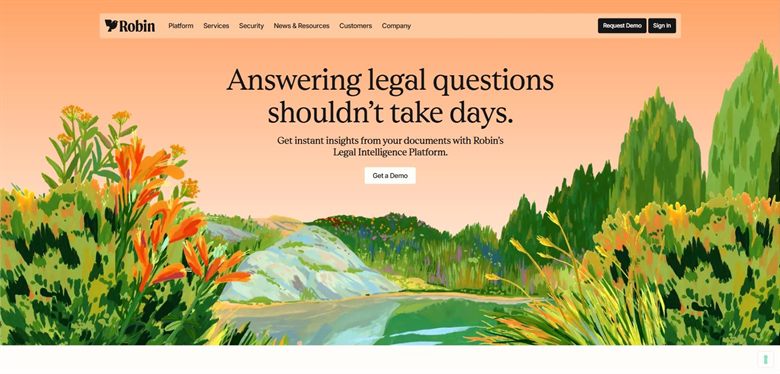
The verdict: The answer when an NDA stops being routine, which usually means someone thinks it has been breached. Pairs AI review with access to human lawyers.
Pricing: Subscription tiered by features and volume, reported from around $500 a month for small teams.
Standout features:
- AI review with human escalation
- Word and browser workflows
- Playbook configuration for standard positions
- Volume-based pricing
Limitations: Poor value for routine NDAs, which are most of them. At around $500 a month you are paying for the human layer you will rarely need on a standard mutual NDA.
How we chose
- Does it draft an NDA, review one you have been sent, or both? Most teams need both.
- Does it flag the four clauses that matter: definition of confidential information, term, permitted disclosures, and return or destruction of materials?
- Can a non-lawyer use it, since most NDAs are signed by people who are not lawyers?
- Mutual and one-way NDAs both handled, and does it know the difference?
- Price, and whether NDAs alone justify it.
- We did not score on template count. Every vendor has an NDA template; what differs is what happens when the other side sends theirs.
Frequently asked questions
What is the best AI tool for NDAs in 2026?
GenieAI for a non-lawyer who needs to send or check one today, on a free tier. Spellbook if a qualified lawyer is reviewing inbound NDAs in Word, at a reported $99 to $199 per user a month. PandaDoc at $19 a user if the problem is sending and signing rather than the wording.
Which clauses matter most in an NDA?
The definition of confidential information decides everything else, and it is where most one-sided NDAs do their work: a definition broad enough to cover anything you learn makes the rest academic. After that, the term, what counts as a permitted disclosure, and what happens to materials at the end.
Can AI review an NDA someone sent me?
Yes, and this is the more useful half. Drafting your own NDA is straightforward; the risk sits in the one you were sent. Check that a tool handles inbound review before buying, because several handle outbound drafting well and inbound barely at all.
Is a free NDA tool good enough?
For a standard mutual NDA between two businesses of similar size, generally yes. It stops being enough when the NDA is attached to something substantial, when the term runs beyond five years, or when the confidentiality definition would cover information you already had.
What is the difference between a mutual and a one-way NDA?
A mutual NDA protects both sides disclosing information; a one-way protects only the discloser. If you are being asked to sign a one-way NDA in a conversation where you will also be sharing something, that is worth raising before signing rather than after.
How long should an NDA last?
Two to five years is typical for commercial information. Perpetual terms appear more often than they should and are usually worth pushing back on, except for genuine trade secrets where an indefinite term is defensible.
Do I need a lawyer to sign an NDA?
Most NDAs are signed without one, which is why tools that a non-lawyer can operate matter here more than in any other document type. The exceptions are NDAs tied to a transaction, an employment dispute, or a counterparty with far more leverage than you.