
6 Best AI Tools for Terms of Service in 2026
Quick answer: This is the one legal document category where the drafting is nearly free and the maintenance is the whole cost. Terms of service, privacy policies and cookie notices are largely standardised, and they go out of date without anyone noticing when the rules or your own practices change. Termly is built for exactly that at a published $10 per site a month and is the clear first choice. LegalZoom and Rocket Lawyer bundle the documents into a membership. The general contract tools are on this page because people try them for this job, and they are the wrong shape: they review the document you have rather than keeping it current.
Comparison
| Tool | Score | Best for | Price | Key strength |
|---|---|---|---|---|
| Termly | 9.2 | policies that stay current on their own | $10 per site/mo, billed annually | Built for maintenance, not drafting |
| Rocket Lawyer | 8.4 | documents inside a legal membership | $149 to $349/yr, published | Review included at higher tiers |
| LegalZoom | 7.6 | the pack around company formation | Legal plan $34.99/mo, published | Filing and documents together |
| Spellbook | 6.8 | bespoke terms for an unusual product | Reported ~$99 to $199 per user/mo | Drafting quality where templates fail |
| GenieAI | 6.0 | reusing your own approved wording | Free plan, then $75/mo; Enterprise from $600/mo | Consistency across properties |
| PandaDoc | 5.2 | terms travelling inside a document pack | $19 per user/mo | Cheapest published per-seat price |
Fit by buyer
Scored 1 to 5 for each buyer, where 5 means the tool was built for them and 1 means it is the wrong tool. Scope is different: it is how much of the job the tool does, from a single step to a whole lifecycle, and a low score there means narrow rather than bad. These ratings are the same for a tool wherever it appears; the score shown beside each entry is for this guide specifically. A tool can lead one column and come last in another, and the right answer still changes with who is asking. How we score.
| Tool | Lawyer in Word | In-house legal | Commercial team | Enterprise | Scope | Price |
|---|---|---|---|---|---|---|
| Termly | 1 | 2 | 3 | 2 | 1 | Published |
| Rocket Lawyer | 2 | 1 | 3 | 1 | 1 | Published |
| LegalZoom | 1 | 1 | 3 | 1 | 1 | Published |
| Spellbook | 5 | 4 | 2 | 2 | 2 | Reported |
| GenieAI | 3 | 5 | 5 | 3 | 2 | Published |
| PandaDoc | 1 | 2 | 4 | 2 | 2 | Published |
Which one, for your situation
| If this is your situation | Start with |
|---|---|
| You need policies that stay current without anyone remembering | Termly |
| You want the documents inside a wider legal membership | Rocket Lawyer |
| You are forming a company and need the whole pack | LegalZoom |
| A lawyer is drafting bespoke terms for an unusual product | Spellbook |
| You want your own approved wording reused across properties | GenieAI |
| The terms are part of a document pack you send out | PandaDoc |
The 6 best tools for terms of service and website policies
1. Termly: Best for policies that stay current on their own
9.2 out of 10 how this is calculated
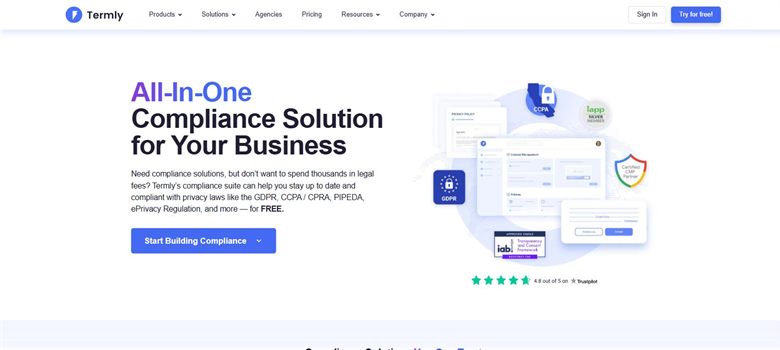
The verdict: The only tool here designed around the real problem, which is that these documents go stale with nothing to signal it. Policies update as rules change and the consent banner is included, which is the part people forget when they generate a cookie notice from a template.
Pricing: Published. Starter $10 per website a month billed annually or $14 monthly, covering two policies and 50,000 banner views. Pro+ is $15 billed annually or $20 monthly for unlimited policies and unlimited banner views. A free tier covers one basic policy and 10,000 banner views.
Standout features:
- Privacy policy, cookie policy, terms and disclaimer generation
- Consent management banner with regional rules
- Policies updated as regulations change
- Free tier covering a single policy
Limitations: Policies are generated from a questionnaire, so they describe what you said you do rather than what your systems actually do, and that mismatch is the most common real exposure here. It handles website-facing documents only, so it is no help on any contract.
2. Rocket Lawyer: Best for documents inside a legal membership
8.4 out of 10 how this is calculated
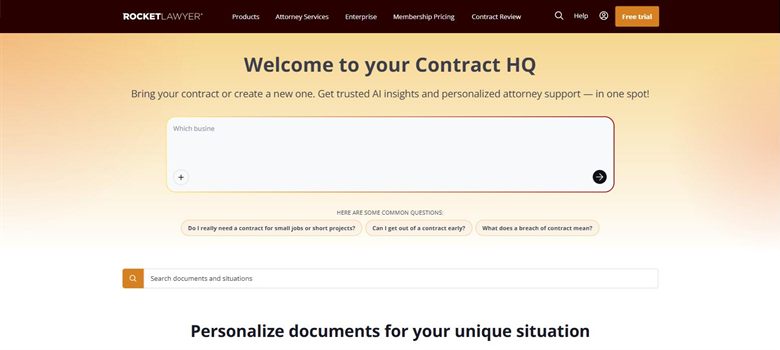
The verdict: Reasonable for a business that needs website terms plus a handful of other documents and would rather have one subscription than three. The included review at higher tiers is the differentiator against a pure generator.
Pricing: Published. Standard $149 a year, Plus $249 a year and Pro $349 a year, working out at $12.41, $20.75 and $29.08 a month respectively. A seven-day free trial is offered on all three.
Standout features:
- Website terms, privacy and disclaimer documents
- Document review included at higher tiers
- Broad business and personal document library
- Electronic signature
Limitations: Documents are produced once from a questionnaire and do not update as rules change, which is the specific failure this category suffers from. No consent banner, so a cookie policy generated here still needs something else to do the actual work.
3. LegalZoom: Best for the pack around company formation
7.6 out of 10 how this is calculated
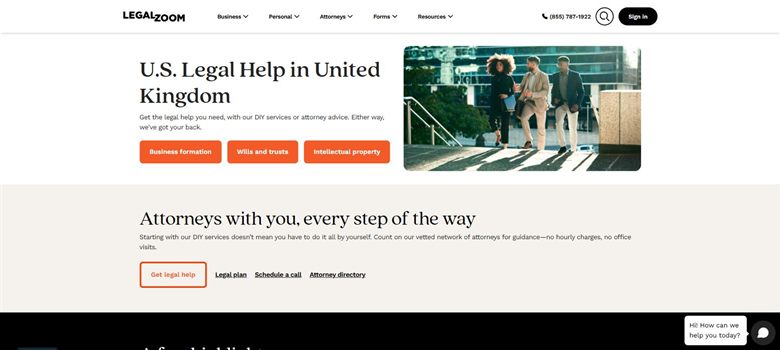
The verdict: Makes sense when website terms are one item on a longer list that starts with incorporating. As a terms of service tool on its own it is more expensive than Termly and does less.
Pricing: Published, though split across several plans. The Business Advantage legal plan is $34.99 a month, or about $179 a year. A separate attorney consultation plan is listed from $39.09 a month billed annually. Formation and filing services are charged per filing on top of any subscription.
Standout features:
- Business document library including website terms
- Company formation and registered agent services
- Consultations bundled into higher plans
- Trademark and IP filing
Limitations: Auto-renewal has generated repeated complaints, including trial plans rolling into $49 a month, so diarise the cancellation date. Documents do not update as rules change, and there is no consent banner.
4. Spellbook: Best for bespoke terms for an unusual product
6.8 out of 10 how this is calculated

The verdict: Worth it only where a template genuinely will not do: a marketplace, a regulated product, unusual liability allocation between users. For a standard website it is expensive drafting help for a document that should not need any.
Pricing: No published list price. Reported at approximately $99 to $199 per user a month, rising to around $350 per user on enterprise plans with a ten-seat minimum. A seven-day trial is offered.
Standout features:
- Drafting and redlining inside Microsoft Word
- Suggestions benchmarked against market standard
- Clause generation from a description
- Seven-day trial
Limitations: It drafts and does not maintain, so the document starts going out of date the day it is finished. No consent banner and no policy hosting, and it assumes a qualified reader.
5. GenieAI: Best for reusing your own approved wording
6.0 out of 10 how this is calculated
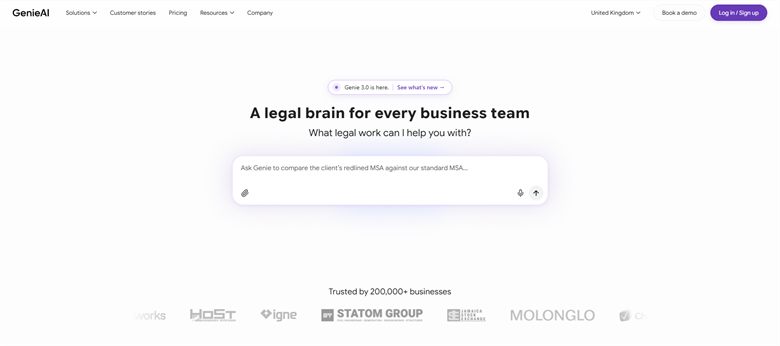
The verdict: Useful in the narrow case where a business runs several sites or products and wants approved wording applied consistently rather than each team generating its own. That is a real problem and not the one most readers of this page have.
Pricing: Permanent free plan with no time limit. Pro $75 a month for one user, Business $320 a month for five, Enterprise from $600 a month with SSO, API access and an SLA.
Standout features:
- Managed template and clause library
- Review against positions your legal team has set
- Organisational knowledge graph so approved wording carries between properties
- Free tier with no time limit
Limitations: It is a contract tool, not a policy tool. No consent banner, no policy hosting and nothing that updates when regulations change, which is the actual job on this page. For a single website Termly does more for a tenth of the price.
6. PandaDoc: Best for terms travelling inside a document pack
5.2 out of 10 how this is calculated
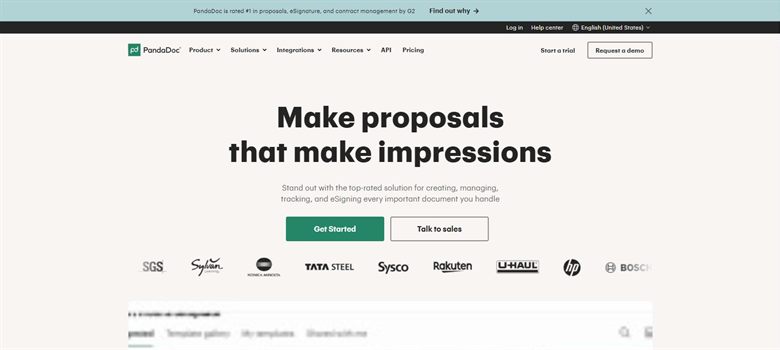
The verdict: Only relevant where your terms are sent to a counterparty as part of a pack rather than published on a website. That is a narrow case and this page is mostly not about it.
Pricing: Published at $19 per user a month, one of the few vendors in this market to state a list price at all.
Standout features:
- Template-driven document pack generation
- Native electronic signature
- CRM integration
- Analytics on what the recipient opened
Limitations: It sends documents and has no view on whether the terms are current or lawful. Nothing here is aimed at website policies, and there is no consent banner or hosting, so for the main use case on this page it does not compete.
How we chose
- What happens when the rules change, since that is the actual failure mode rather than bad first drafting.
- Whether a consent banner is included, because a cookie notice without one does very little.
- Whether the output reflects what your business actually does with data, or only what you told a questionnaire.
- Published price, which unusually for this market most of these offer.
- Whether it covers multiple regions, since a UK, EU and US audience have different requirements.
- We did not score on template counts or on claimed regulatory coverage. No vendor publishes when its clause set was last reviewed against changing law, so any ranking we gave that would be invented.
Frequently asked questions
What is the best tool for terms of service in 2026?
Termly, at a published $10 per site a month, because it is the only one built around the real problem: keeping policies current as rules change, with a consent banner included. Rocket Lawyer at $149 a year suits a business that wants website terms alongside other documents and some review.
Why is maintenance the problem rather than drafting?
Website terms and privacy policies are largely standardised, so a competent first draft is close to free. They then go out of date without anyone noticing, either because the rules changed or because your business started doing something the policy does not describe. Nobody notices until it matters.
How much do these cost?
Termly publishes $10 per site a month billed annually, with a free tier. Rocket Lawyer is $149 to $349 a year and LegalZoom $34.99 a month for its business legal plan. PandaDoc publishes $19 per user. Spellbook is reported at $99 to $199 per user a month and GenieAI publishes a free tier rising to $75.
Do I need a consent banner as well as a cookie policy?
In most jurisdictions with consent requirements, yes, and this is the most common gap. A cookie policy describes what you do; the banner is what actually collects and records consent. Generating the policy and skipping the banner leaves the requirement unmet, and only Termly on this page includes one.
Is a generated privacy policy good enough?
It is good enough to be accurate only if the questionnaire answers were accurate. The common failure is a policy describing data practices the business has since changed or never had, which is worse than no policy because it is a documented misstatement. Review it against what your systems actually do, not against the template.
Should a contract tool be used for website terms?
Generally no, and GenieAI and Spellbook are on this page mainly because people try them. They review or draft the document you have; they do not host it, update it as rules change, or manage consent. For a single website a specialist does far more for far less.
What about different regions?
A UK, EU and US audience carry different requirements and a single set of terms rarely satisfies all three. Termly handles regional consent rules; the document generators mostly produce one version and leave the regional question to you. If you serve multiple regions, ask specifically how that is handled rather than assuming.