
7 Best PandaDoc Alternatives in 2026
Quick answer: People leave PandaDoc for three reasons and they lead to different places. If you only ever needed signing, Dropbox Sign is $15 per user a month with unlimited documents and DocuSign is the name no counterparty questions. If contracts started being negotiated, PandaDoc has no clause-level intelligence and GenieAI or a review tool is the answer. If you outgrew it into a process problem, that is Juro or Ironclad and an order-of-magnitude price change. Worth saying plainly: at a published $19 per user, PandaDoc is cheap for what it does, and leaving over price usually means buying less rather than more.
Comparison
| Tool | Score | Best for | Price | Key strength |
|---|---|---|---|---|
| Dropbox Sign | 9.2 | signing volume without a cap | $15 to $25 per user/mo, published | Unlimited documents at the entry tier |
| DocuSign | 8.6 | recognition nobody queries | $10 to $40 per user/mo, published | Every counterparty already accepts it |
| GenieAI | 7.9 | contracts that started being negotiated | Free plan, then $75/mo; Enterprise from $600/mo | Assesses terms rather than sending them |
| Juro | 7.3 | approval rules enforced automatically | Reported ~$15,000 to $130,000/yr | Escalates non-standard terms on its own |
| Contractbook | 6.6 | signing plus storage in one small tool | Reported ~$39 to $599/mo | Repository at a small-team price |
| Adobe Acrobat Sign | 5.9 | teams already paying for Acrobat | $16.99 to $29.99 per user/mo, published | Signing close to free at the margin |
| Ironclad | 5.4 | approvals across departments | Reported ~$30,000 to $250,000/yr | Routing sign-off properly |
Fit by buyer
Scored 1 to 5 for each buyer, where 5 means the tool was built for them and 1 means it is the wrong tool. Scope is different: it is how much of the job the tool does, from a single step to a whole lifecycle, and a low score there means narrow rather than bad. These ratings are the same for a tool wherever it appears; the score shown beside each entry is for this guide specifically. A tool can lead one column and come last in another, and the right answer still changes with who is asking. How we score.
| Tool | Lawyer in Word | In-house legal | Commercial team | Enterprise | Scope | Price |
|---|---|---|---|---|---|---|
| Dropbox Sign | 1 | 2 | 4 | 2 | 1 | Published |
| DocuSign | 2 | 4 | 5 | 5 | 2 | Published |
| GenieAI | 3 | 5 | 5 | 3 | 2 | Published |
| Juro | 2 | 4 | 4 | 4 | 4 | Reported |
| Contractbook | 1 | 3 | 4 | 2 | 3 | Reported |
| Adobe Acrobat Sign | 3 | 3 | 4 | 4 | 2 | Published |
| Ironclad | 2 | 4 | 2 | 5 | 5 | Reported |
Which one, for your situation
| If this is your situation | Start with |
|---|---|
| You only ever needed signing and want no volume cap | Dropbox Sign |
| Counterparty recognition is worth paying for | DocuSign |
| Contracts started being negotiated and nobody assesses terms | GenieAI |
| Legal needs approval rules enforced automatically | Juro |
| You want signing, storage and renewals in one small-team tool | Contractbook |
| Your documents live in Adobe already | Adobe Acrobat Sign |
| Approvals across departments are the real bottleneck | Ironclad |
The 7 best PandaDoc alternatives
1. Dropbox Sign: Best for signing volume without a cap
9.2 out of 10 how this is calculated
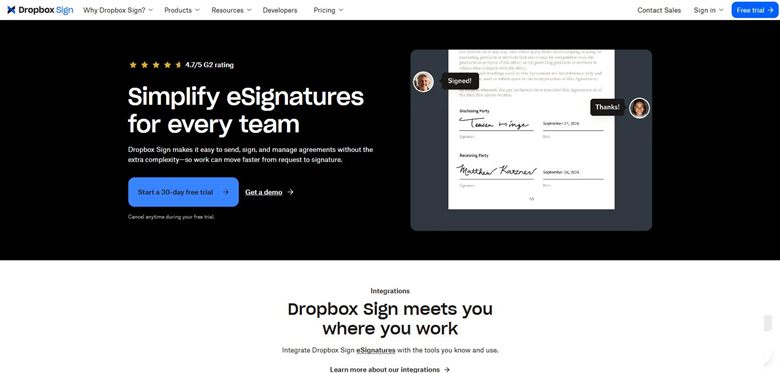
The verdict: The straightest swap if signing was all you used. Cheaper per seat than PandaDoc at the entry tier and unlimited on documents, which is the cap most people never check until they hit one.
Pricing: Published. Essentials $15 per user a month with unlimited documents and five templates. Standard $25 per user a month with a two-user minimum, adding custom branding, advanced form fields and integrations. Formerly HelloSign.
Standout features:
- Unlimited signature requests on paid tiers
- Templates and reusable forms
- Custom branding on Standard
- Clean API for embedding signing into your own product
Limitations: You lose PandaDoc's proposal and document generation entirely, which for a sales team is usually the point of it. Counterparty recognition is below DocuSign, and the two-user minimum on Standard raises the real entry price to $50 a month.
2. DocuSign: Best for recognition nobody queries
8.6 out of 10 how this is calculated
The verdict: The move when procurement or a conservative counterparty has queried your signing tool. That friction disappearing is worth real money in regulated sectors and worth nothing elsewhere.
Pricing: Published. Personal $10 a month billed annually or $15 monthly. Standard $25 per user a month annually or $45 monthly. Business Pro $40 per user annually or $65 monthly. UK pricing is quoted separately at £8, £20 and £33. Standard and Business Pro both cap at 100 envelopes per user a year.
Standout features:
- Recognised by effectively every counterparty
- Extensive integrations including Salesforce and Word
- Detailed audit trail and identity verification options
- Bulk send and payment collection on Business Pro
Limitations: More expensive than PandaDoc per seat and capped at 100 envelopes per user a year on Standard and Business Pro, which PandaDoc does not do. If you send volume, that cap is the term that decides the bill and teams routinely miss it.
3. GenieAI: Best for contracts that started being negotiated
7.9 out of 10 how this is calculated
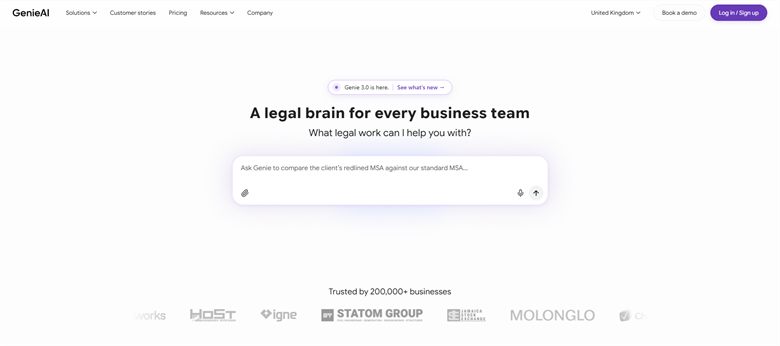
The verdict: The answer to the second exit reason. PandaDoc will send whatever is in the template and has no view on whether the terms are sensible, and once counterparties start editing, that gap is the whole problem.
Pricing: Permanent free plan with no time limit. Pro $75 a month for one user, Business $320 a month for five, Enterprise from $600 a month with SSO, API access and an SLA.
Standout features:
- Risk rated red, amber or green per clause with plain-language explanation
- Review and redlining against positions your team has set
- Microsoft Word add-in that preserves native track changes
- Managed template and clause library
- Free tier with no time limit
Limitations: No electronic signature, so this is an addition to your signing tool rather than a replacement, and most teams leaving PandaDoc for this reason end up running both. No proposal generation and no CRM-native sending.
4. Juro: Best for approval rules enforced automatically
7.3 out of 10 how this is calculated
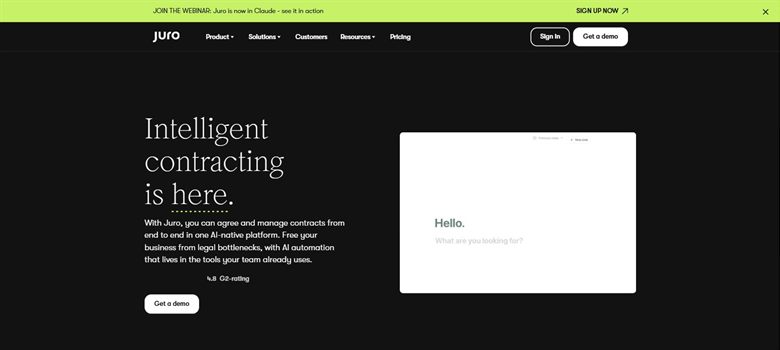
The verdict: The usual destination for teams outgrowing PandaDoc into a process problem. Legal sets the template, the business issues from it, and departures escalate without anyone remembering the rule.
Pricing: Sales-led with no public list price. Reported annual contracts run approximately $15,000 to $130,000, with marketplace medians around $31,000 to $34,500, priced on contract volume rather than per seat.
Standout features:
- Guided creation from templates legal controls
- Approval routing when terms depart from standard
- Native electronic signature
- Searchable repository with reporting and renewal dates
Limitations: A reported floor of around $15,000 a year against PandaDoc's $19 per user is a very large step, and it is priced on contract volume rather than seats so growth is unmodellable. Its CRM integration is weaker, which sales teams notice immediately.
5. Contractbook: Best for signing plus storage in one small tool
6.6 out of 10 how this is calculated
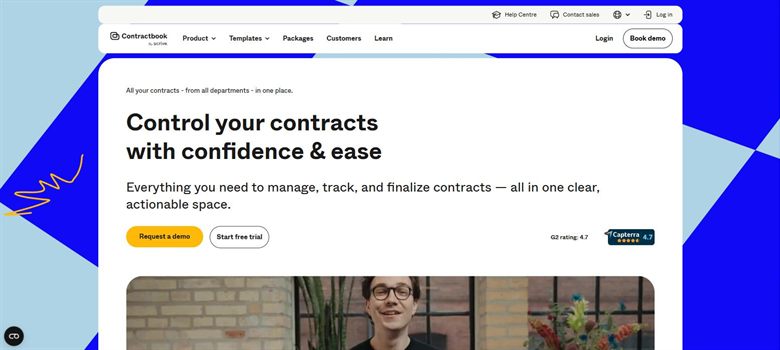
The verdict: Fits the team that liked PandaDoc but kept losing track of what had been signed. The executed document lands somewhere searchable with the renewal date flagged, which PandaDoc does not really do.
Pricing: No published rate card. Reported between approximately $39 and $599 a month depending on tier, which is the only genuinely small-team price in this category.
Standout features:
- Template-driven creation with signing
- Searchable repository of executed agreements
- Renewal and date reminders
- Monthly pricing rather than annual contracts
Limitations: No published rate card, which is a step backwards from a vendor that publishes $19. Proposal and document design are well behind PandaDoc, and clause-level intelligence is absent.
6. Adobe Acrobat Sign: Best for teams already paying for Acrobat
5.9 out of 10 how this is calculated
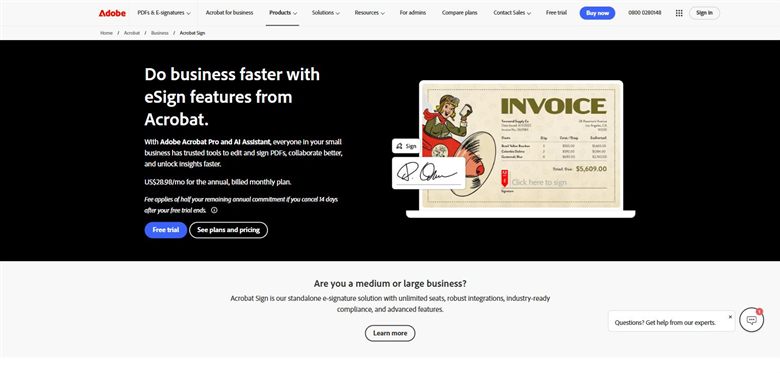
The verdict: Worth checking before buying anything else, because a business already licensing Acrobat may be paying for signing twice. The marginal cost of consolidating is often zero.
Pricing: Published for teams. Acrobat Standard for teams $16.99 per user a month, Acrobat Pro for teams $23.99, Acrobat Studio for teams $29.99. Individual plans run $12.99 and $19.99. Team plans cap at 150 transactions per user a year, and the AI Assistant is a $4.99 per user add-on.
Standout features:
- PDF editing and signing under one licence
- Deep Microsoft integration
- Web forms and bulk send
- Identity verification options
Limitations: The 150-transaction annual cap per user is buried and catches teams the same way DocuSign's does. No proposal generation, no CRM-native workflow, and the AI features are a separate add-on despite the marketing.
7. Ironclad: Best for approvals across departments
5.4 out of 10 how this is calculated
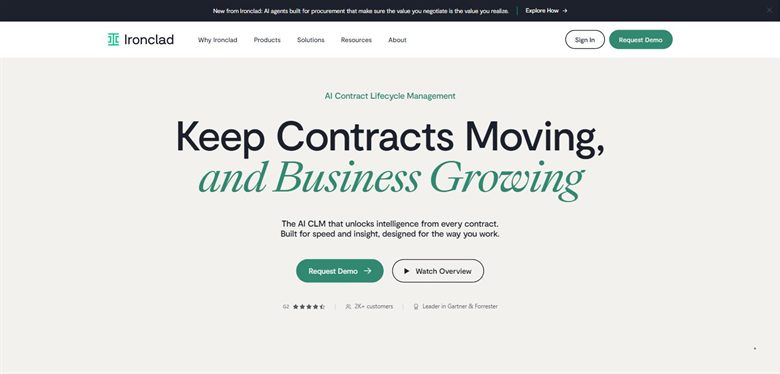
The verdict: Only relevant if the reason you outgrew PandaDoc is that deals wait on finance and security rather than on the document. That is a real problem and this is the tool for it, at a very different price.
Pricing: No public list price. Reported annual contracts run approximately $30,000 to $250,000, with a marketplace median near $40,000 across 363 recorded purchases.
Standout features:
- Conditional approval routing by value, risk and department
- Repository and reporting across executed agreements
- Obligation and renewal tracking
- Deep Salesforce and procurement integration
Limitations: Months to implement with an internal owner, against PandaDoc's same-day setup, and a reported median near $40,000 a year. Almost nobody leaving PandaDoc needs this, and buying it because it is the name you have heard is the common mistake.
How we chose
- Which of the three exit reasons applies, since they point at completely different products.
- Published price, because PandaDoc publishes one and most alternatives do not.
- Whether the tool assesses contract terms or only moves documents.
- Counterparty recognition, which matters more for signing than teams expect.
- Envelope or document caps, the term that decides the real bill in the signing category.
- We did not score on template libraries or proposal design. Those are what PandaDoc is good at, and a page about leaving it should not rank alternatives on the thing you are keeping.
Frequently asked questions
What is the best alternative to PandaDoc in 2026?
Dropbox Sign at $15 per user a month if you only ever used signing and want no document cap. DocuSign if counterparty recognition matters. GenieAI if contracts started being negotiated and nothing was assessing the terms. Juro if you have outgrown it into an approval and reporting problem.
Why do people leave PandaDoc?
Three reasons. The per-seat bill at scale, though at $19 it is rarely the real driver. The absence of clause-level intelligence, which bites the moment counterparties start editing terms. And outgrowing a document tool into a process problem, where approvals and contract reporting are needed.
Is there a cheaper alternative to PandaDoc?
Dropbox Sign Essentials at $15 per user a month and DocuSign Personal at $10, though both do less. PandaDoc at $19 with document generation included is genuinely competitive, and leaving purely on price usually means buying something narrower rather than something better.
Which alternatives assess contract terms rather than just sending them?
GenieAI does, with risk rated per clause in plain language. Juro escalates departures from your template, which is governance rather than assessment. Dropbox Sign, DocuSign and Adobe Acrobat Sign do none of it: they move documents and that is all they claim.
What is an envelope cap and does PandaDoc have one?
An envelope or transaction cap limits how many signing requests each user can send a year. DocuSign caps Standard and Business Pro at 100 per user and Adobe caps team plans at 150. PandaDoc and Dropbox Sign do not cap documents on paid tiers, which is a genuine advantage that rarely appears in comparisons.
Do we have to replace PandaDoc, or add to it?
Adding is often the honest answer. If the gap is that nobody assesses terms, a review tool alongside PandaDoc costs a fraction of migrating to a platform and keeps the proposal and sending workflow your sales team already uses. Teams migrate when they need contract reporting, which cannot be bolted on.
Is Juro or Ironclad the right upgrade?
Juro for most, because it deploys in weeks and non-legal staff run it unaided. Ironclad only if the bottleneck is approval across finance, security and procurement, which is a genuinely different problem and a reported median near $40,000 a year to solve.